
How Much RAM Do You Need in 2026?
Find out how much RAM you need in 2026 for gaming, office work, studies, programming and video editing. Compare 8GB, 16GB, 32GB and 64GB RAM to choose the right laptop or PC.
By Virnobyte Team · · 15 min read

How Much RAM Do You Need in 2026?
Compare 8GB, 16GB, 32GB and 64GB RAM to find the right memory capacity for gaming, office work, students, programming and professional workloads.
When buying a new laptop or desktop computer, RAM is one of the most important specifications to consider. It affects how many applications your computer can run simultaneously and how smoothly it handles multitasking.
But how much RAM do you actually need in 2026? Is 8GB still enough for everyday use? Should you choose 16GB for office work? Is 32GB necessary for gaming and video editing? When does 64GB make sense?
The answer depends on your usage, applications, operating system and future requirements. Buying too little RAM can lead to slowdowns, while purchasing more memory than you need may unnecessarily increase your computer budget.
This guide compares 8GB, 16GB, 32GB and 64GB RAM and explains how much memory is suitable for different users.

RAM provides temporary working memory for your laptop or desktop computer.
1. What Is RAM and Why Is It Important?
RAM stands for Random Access Memory. It is the temporary working memory used by your computer to store information that the processor needs while applications are running.
When you open a browser, spreadsheet, game, video editor or programming application, your computer uses RAM to keep active data readily accessible.
RAM is different from an SSD or HDD. Storage drives keep your files even when the computer is switched off, whereas RAM is temporary memory that normally loses its contents when power is removed.
Why does RAM matter?
- Helps your computer run multiple applications simultaneously.
- Supports browser tabs and background applications.
- Helps software access active information quickly.
- Supports gaming and creative applications.
- Reduces slowdowns caused by insufficient available memory.
- Provides working space for programming tools and virtual machines.
What happens when RAM is insufficient?
When applications need more memory than is available, Windows may move some less-active data to a storage-based paging file. This is much slower than accessing physical RAM.
You may experience:
- Slow application switching.
- Browser tabs reloading frequently.
- Freezing during multitasking.
- Slowdowns while gaming or editing videos.
- High memory usage in Task Manager.
2. How Much RAM Do You Need in 2026? Quick Comparison
Here is a general comparison of the four common RAM capacities and the type of user each one suits.
| RAM Capacity | Suitable For | 2026 Recommendation |
|---|---|---|
| 8GB | Basic browsing, documents and light everyday tasks | Entry-level option |
| 16GB | Office work, students, multitasking and general gaming | Practical choice for most users |
| 32GB | Advanced gaming, programming, video editing and heavy multitasking | Recommended for demanding workloads |
| 64GB | Professional video editing, 3D work, virtual machines and large datasets | Specialised professional use |
3. Is 8GB RAM Enough in 2026?
8GB RAM can still handle basic computing tasks, but it offers limited room for multitasking on a modern Windows laptop or desktop.
If you mainly browse the internet, write documents, attend occasional online meetings and use lightweight applications, 8GB may be sufficient.
What can you do with 8GB RAM?
- Basic internet browsing.
- Microsoft Word and simple spreadsheets.
- Email and document management.
- Online classes and video calls with limited background tasks.
- Watching videos and streaming content.
- Lightweight applications.
Limitations of 8GB RAM
- Limited multitasking capacity.
- Performance can slow down with many browser tabs.
- Heavy applications may struggle.
- Gaming alongside streaming or other applications can use available memory quickly.
- Less headroom for future software requirements.
Who should choose 8GB?
Users with very basic computing needs, limited budgets or a lightweight cloud-based Chromebook workflow may find 8GB sufficient.
For a new Windows laptop intended to last several years, consider 16GB if your budget allows.
4. Is 16GB RAM Enough in 2026?
For many people, 16GB is a practical balance between price and performance in 2026. It provides more room for multitasking than 8GB and supports a wide range of everyday and professional applications.
What can you do with 16GB RAM?
- Office applications and spreadsheets.
- Multiple browser tabs.
- Online meetings and remote work.
- Programming and web development.
- Many modern games.
- Light to moderate photo and video editing.
- Business and accounting applications.
Advantages of 16GB RAM
- Better multitasking capacity than 8GB.
- Suitable for most everyday computing needs.
- Useful for students and office professionals.
- Can support many games and development tools.
- Offers a practical balance for general-purpose computers.
5. Is 32GB RAM Worth It in 2026?
32GB RAM is suitable for users who regularly run demanding applications, work with large projects or perform several resource-intensive tasks at the same time.
It provides more memory headroom for advanced gaming, content creation, software development and professional workflows.
What can you do with 32GB RAM?
- Modern gaming with additional background applications.
- Video editing and larger creative projects.
- Graphic design and complex image editing.
- Programming with multiple development tools.
- Running virtual machines.
- Working with large datasets.
- Some local AI development and experimentation.
Advantages of 32GB RAM
- More capacity for heavy multitasking.
- Useful for larger video and design projects.
- More room for development environments.
- Can help when games and background applications use substantial memory.
- Suitable for many advanced professional workloads.
Who should choose 32GB?
Gamers, video editors, developers, designers and professionals who regularly run memory-intensive applications should consider 32GB, provided their computer supports it.
6. Do You Need 64GB RAM in 2026?
64GB RAM is intended for specialised and demanding workloads. It is not necessary for most everyday users, but it can be valuable when applications regularly require large amounts of memory.
What can you do with 64GB RAM?
- Professional 4K and complex video editing projects.
- Large 3D scenes and rendering workflows.
- Multiple virtual machines.
- Large software development environments.
- Data science and memory-intensive analysis.
- Some local AI and machine learning workloads.
- Professional workstation applications.
Advantages of 64GB RAM
- Large memory capacity for demanding applications.
- More room for simultaneous heavy workloads.
- Useful for professional virtualisation.
- Can reduce memory pressure in large projects.
Do normal users need 64GB?
Most students, home users and office professionals do not need 64GB. If your applications do not use that much memory, additional capacity may provide little practical benefit.
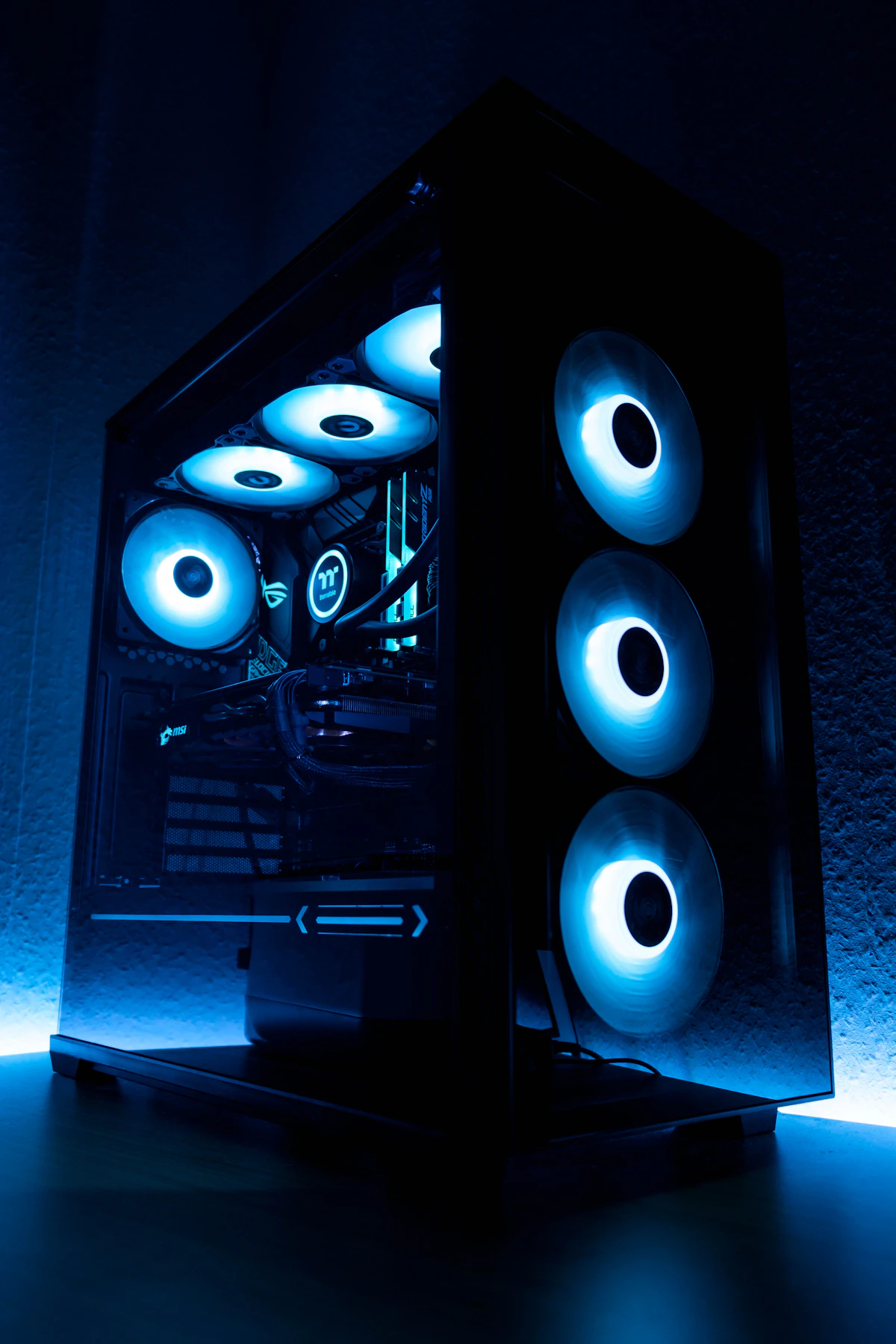
Check motherboard and processor memory support before selecting a higher RAM capacity.
7. How Much RAM Do You Need for Different Users?
Your RAM requirements depend on the applications you use regularly. Here are practical recommendations for common computer users.
RAM for students
Students often use browsers, PDF readers, Microsoft Office, online learning platforms and video conferencing applications.
Recommended: 16GB
8GB can work for basic schoolwork, but 16GB provides more room for multitasking, research and future applications.
RAM for office work
Office professionals commonly work with spreadsheets, presentations, documents, emails, browser tabs and video meetings.
Recommended: 16GB
For basic office tasks, 8GB may work. However, 16GB is a more comfortable target when several applications are open together.
RAM for gaming
Gaming requirements vary by title, graphics settings, game engine and other applications running in the background.
Recommended: 16GB to 32GB
16GB can handle many games, while 32GB offers additional headroom for demanding games, streaming and multitasking. Always check the recommended system requirements of the games you play.
RAM for programming
Programming requirements depend on the language, development environment, project size and tools.
Recommended: 16GB to 32GB
16GB can be sufficient for many web development and general coding tasks. Developers using Docker, virtual machines, emulators and multiple IDEs may benefit from 32GB or more.
RAM for graphic design
Graphic design applications may use substantial memory when working with large images, multiple layers and complex projects.
Recommended: 16GB to 32GB
For basic design work, 16GB may be sufficient. Larger Photoshop projects, complex artwork and simultaneous creative applications can benefit from 32GB.
RAM for video editing
Video editing requirements depend on resolution, codecs, timeline complexity, effects and the editing application.
Recommended: 32GB to 64GB
16GB may be suitable for lighter projects, but 32GB is a more practical target for many demanding editing workflows. Complex 4K, 8K, compositing and effects-heavy projects may need 64GB or more.
RAM for AutoCAD and engineering software
CAD and engineering workloads vary significantly. Basic 2D drafting may need less memory than complex 3D assemblies, simulations or large engineering projects.
Recommended: 16GB to 32GB
Check the recommended hardware requirements for your exact software, version and project size.
RAM for accounting and business applications
Accounting, billing, GST applications, email and office documents generally do not need workstation-level memory.
Recommended: 8GB to 16GB
16GB provides more flexibility for running multiple business applications and browser tabs together.

Programming and professional applications can benefit from additional RAM when workloads grow.
8. RAM Requirements by Workload: Comparison Table
Use this table as a quick buying reference. Actual requirements depend on the software, project size and other hardware.
| Usage | Basic Capacity | Recommended Capacity |
|---|---|---|
| Web browsing and email | 8GB | 16GB |
| School and college work | 8GB | 16GB |
| Office work | 8GB | 16GB |
| Accounting and billing | 8GB | 16GB |
| Programming | 16GB | 16GB–32GB |
| Gaming | 16GB | 16GB–32GB |
| Graphic design | 16GB | 16GB–32GB |
| Video editing | 16GB | 32GB–64GB |
| 3D modelling and rendering | 32GB | 32GB–64GB+ |
| Virtual machines | 16GB | 32GB–64GB+ |
| Local AI and large datasets | 32GB | 64GB or more, workload dependent |
9. Is More RAM Always Better?
No. More RAM does not automatically make a computer faster.
If your computer has sufficient memory for its normal workload, adding more RAM may not produce a noticeable performance improvement.
For example, upgrading from 16GB to 32GB may make little difference if you only use a browser, email and simple office applications.
However, if your computer regularly runs out of available memory while editing videos or using virtual machines, a higher capacity may improve performance and responsiveness.
Other components that affect computer performance
- Processor: Determines how quickly many calculations and application tasks are processed.
- Graphics card: Important for gaming, rendering and graphics-intensive work.
- SSD: Improves storage access, application loading and system responsiveness.
- Cooling: Helps maintain performance under sustained workloads.
- RAM speed: Affects memory bandwidth and can influence some workloads.
10. RAM Capacity vs RAM Speed: What Is the Difference?
RAM capacity and RAM speed are two different specifications.
RAM capacity
Capacity refers to how much data the memory can hold at one time. It is usually measured in gigabytes (GB).
Examples include 8GB, 16GB, 32GB and 64GB.
RAM speed
Memory speed describes how quickly data can be transferred between RAM and the rest of the system. It is commonly advertised using data rates such as 3200 MT/s or 5600 MT/s.
Higher memory bandwidth can benefit some workloads, but the actual result depends on the processor, motherboard, memory configuration and application.
11. Single-Channel vs Dual-Channel RAM
Memory configuration can affect bandwidth and performance, especially on systems using integrated graphics.
Single-channel memory
Single-channel memory uses one memory channel. It may provide less memory bandwidth than a compatible dual-channel configuration.
Dual-channel memory
Dual-channel memory allows compatible memory channels to operate together and can increase available memory bandwidth.
For example, two compatible 8GB memory modules can provide 16GB in a dual-channel configuration on a supported computer.
However, the actual configuration and performance depend on the processor and motherboard. Some laptops use soldered memory, and others support different memory arrangements.
12. How to Check Your Current RAM Usage in Windows
Before upgrading, check whether your computer is actually running short of memory.
Step 1: Open Task Manager
- Press Ctrl + Shift + Esc.
- Open the Performance tab.
- Select Memory.
- Check the installed RAM and current memory usage.
Step 2: Check running applications
- Open Task Manager.
- Select the Processes tab.
- Click the Memory column.
- Identify applications using the most memory.
Step 3: Observe your normal workload
Use your computer as you normally do. Check memory usage while running your typical applications together.
If memory usage frequently approaches capacity and the system becomes slow, additional RAM may help. High memory usage by itself does not always mean an upgrade is necessary; Windows uses available memory for caching and other tasks.
13. Can You Upgrade Your Laptop RAM?
Some laptops support RAM upgrades, while others have memory soldered directly onto the motherboard.
Before purchasing additional memory, check:
- Whether your laptop has removable RAM slots.
- The supported DDR generation.
- Maximum supported memory capacity.
- Available memory slots.
- Supported memory speed.
- Whether existing memory is soldered.
Many desktop computers offer more memory upgrade flexibility, but motherboard and processor limits still apply.
14. Should You Buy 8GB, 16GB, 32GB or 64GB RAM?
Choose 8GB if:
- You have a limited budget.
- You perform basic browsing and document work.
- You use lightweight applications.
- You do not regularly multitask.
Choose 16GB if:
- You are a student or office professional.
- You use multiple browser tabs and applications.
- You work with spreadsheets and presentations.
- You want a general-purpose laptop for everyday computing.
Choose 32GB if:
- You play demanding games.
- You edit videos and images.
- You use development tools and virtual machines.
- You work with large projects.
Choose 64GB if:
- You work with demanding professional applications.
- You edit complex video projects.
- You run several virtual machines.
- You use memory-intensive 3D or data workflows.
15. Common Mistakes to Avoid When Choosing RAM
- Buying too little memory: Consider your actual multitasking needs and the applications you plan to use.
- Buying more than necessary: Additional memory may not improve workloads that already fit comfortably in your current RAM.
- Ignoring upgrade limitations: Some laptops have soldered memory that cannot be upgraded.
- Ignoring DDR compatibility: DDR4 and DDR5 are not interchangeable.
- Comparing only memory speed: Capacity and compatibility matter too.
- Ignoring integrated graphics: Some systems use system RAM for graphics, reducing the memory available to applications.
- Forgetting future requirements: Consider how your software and workload may change over the next few years.
16. Frequently Asked Questions (FAQs)
1. How much RAM is enough for a laptop in 2026?
16GB is a practical target for most new Windows laptops used for everyday computing, studies and office work. Basic users may manage with 8GB, while demanding workloads may require 32GB or 64GB.
2. Is 8GB RAM still enough in 2026?
8GB can handle basic browsing, documents and lightweight tasks, but it can become restrictive when running multiple modern Windows applications simultaneously.
3. Is 16GB RAM enough for gaming?
16GB is sufficient for many games, depending on their system requirements. 32GB can provide additional headroom for demanding games, streaming and multitasking.
4. Is 32GB RAM better than 16GB?
32GB provides more memory capacity and can benefit gaming, video editing, programming and heavy multitasking. For basic office work and browsing, 16GB may already be sufficient.
5. Do I need 64GB RAM for video editing?
Not always. 32GB can be sufficient for many editing projects. Complex 4K, 8K, effects-heavy and professional workflows may benefit from 64GB or more.
6. How much RAM is required for programming?
16GB is a useful starting point for many programming tasks. Developers running multiple IDEs, virtual machines, containers and emulators may benefit from 32GB or more.
7. Does more RAM increase FPS in games?
More RAM does not automatically increase frame rates. It may improve performance when the game is limited by available memory. The CPU, GPU, graphics settings and memory configuration also matter.
8. Is 16GB RAM enough for AutoCAD?
16GB may be sufficient for many basic and moderate AutoCAD projects. Larger drawings, complex 3D work and other engineering applications may benefit from 32GB or more. Check the requirements for your software version.
9. Can I upgrade 8GB RAM to 16GB?
Yes, if your laptop or desktop supports the required memory capacity and has a compatible removable slot or replaceable module. Check the manufacturer's specifications first.
10. Does RAM speed matter more than capacity?
Both matter, but capacity should be sufficient for your workload first. Once you have enough RAM, memory speed and timings may affect performance in certain applications.
Conclusion
The right RAM capacity in 2026 depends on how you use your laptop or desktop.
8GB can work for basic tasks, but 16GB is a practical choice for most everyday users, students and office professionals. 32GB is useful for demanding gaming, programming, creative work and multitasking, while 64GB is intended for specialised professional workloads.
Before purchasing a computer, consider your applications, processor, graphics requirements, storage and upgrade options. The goal is not to buy the largest amount of RAM available, but to choose enough memory for smooth performance and your future needs.
Need Help Choosing or Upgrading Your Laptop RAM?
Not sure whether your laptop needs 8GB, 16GB or 32GB RAM? Virnobyte Pvt. Ltd. can help you enquire about compatible memory options, laptop upgrades, SSD upgrades, computer hardware and technical support.
Virnobyte Pvt. Ltd.
Technology • Innovation • Trust
Address: Sadichha Complex, Sawtamali Temple Road, Jadhavwadi, Chikhali, Pune – 411062, Maharashtra
Phone: 8669883332
Email: info@virnobyte.com
Website: www.virnobyte.com
Contact Virnobyte to enquire about RAM compatibility, upgrade options and currently available configurations.