
LAN Networking Services in Kuruli for Factories and Offices
Looking for LAN networking in Kuruli? Virnobyte offers structured cabling, LAN installation, router configuration and network maintenance for factories, offices and businesses.
By virnobyte team · · 14 min read
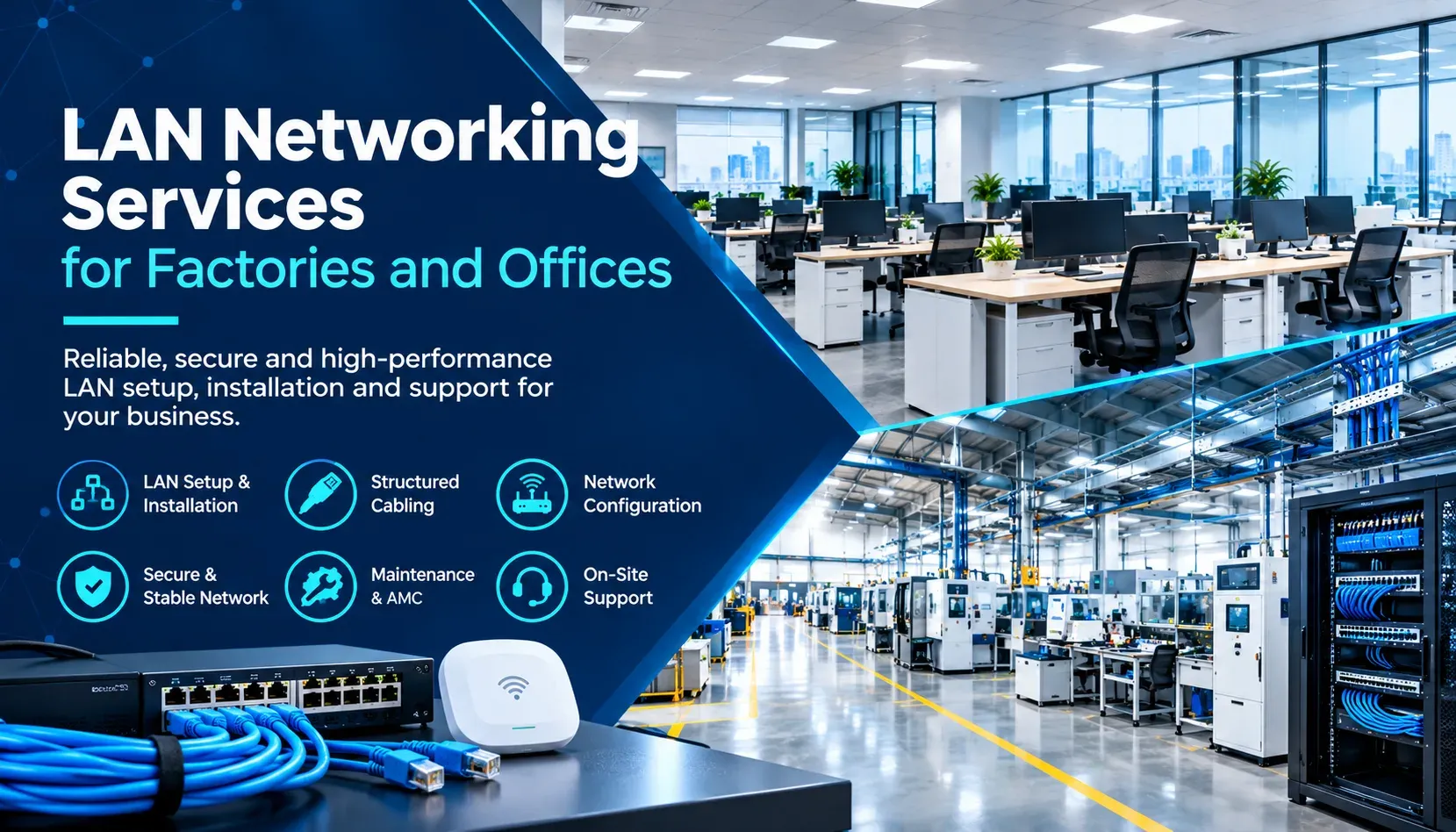
LAN Networking Services in Kuruli for Factories, Offices & Businesses
Looking for reliable LAN networking services in Kuruli? Virnobyte provides professional network installation, structured cabling, CAT6 networking, router configuration, network switches and IT infrastructure support for factories, offices and businesses.
Call Virnobyte: 8669883332A reliable computer network is essential for modern offices, manufacturing units and commercial businesses. From connecting computers and printers to sharing files, accessing business applications and managing CCTV systems, a properly designed Local Area Network (LAN) helps devices communicate efficiently. If you are looking for LAN networking services in Kuruli, Virnobyte provides networking solutions designed around your business requirements.
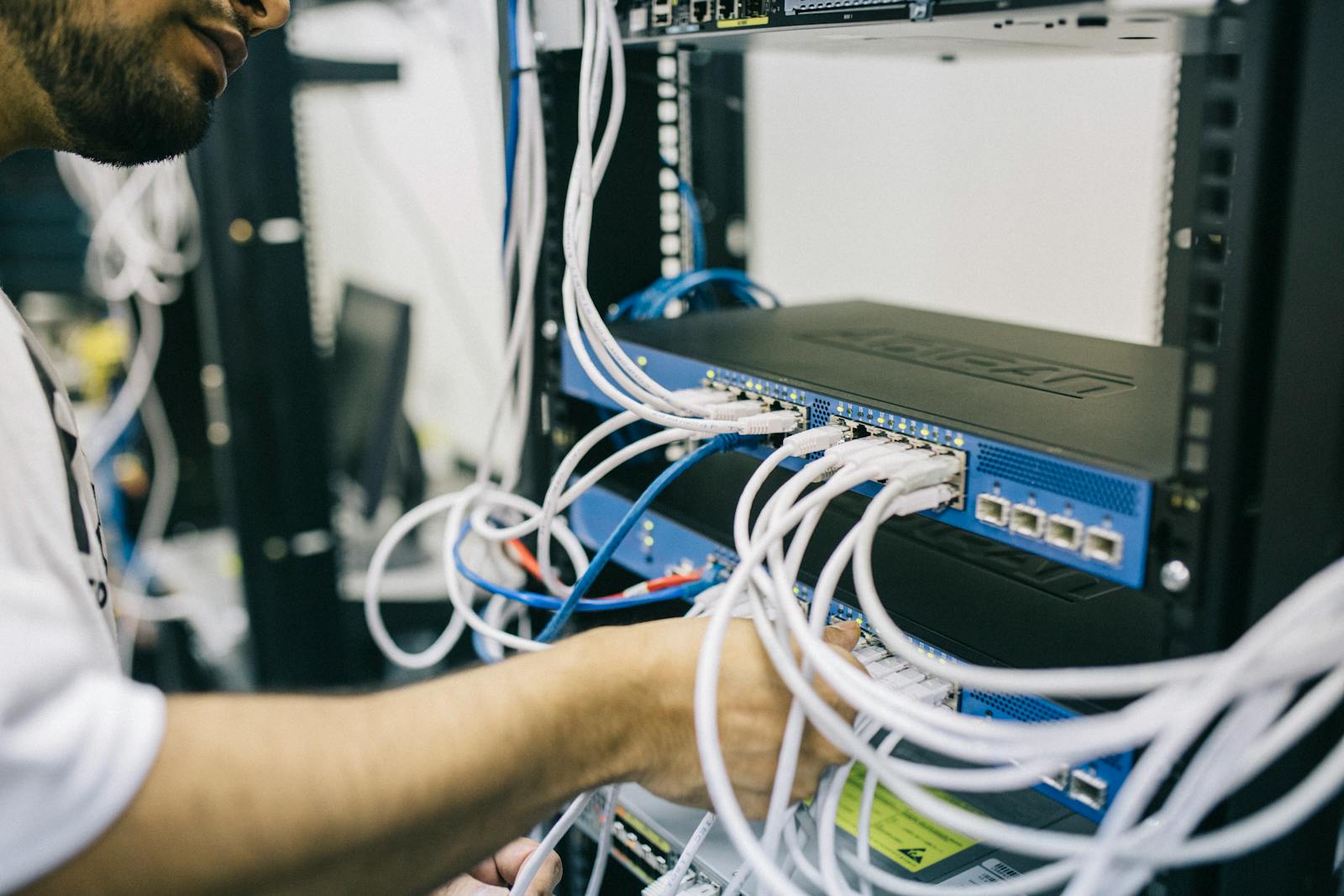
Why Do Businesses in Kuruli Need LAN Networking?
Offices, factories, warehouses and manufacturing businesses depend on computers for daily operations. Employees may need to access shared files, printers, accounting software, ERP systems, servers, CCTV systems and other connected devices.
Without a properly planned network, businesses may experience slow connectivity, frequent disconnections, complicated cable arrangements and difficulty managing shared resources.
A well-designed LAN infrastructure allows computers and network devices within a premises to communicate through wired or wireless network connections.
A professional LAN network can help businesses with:
Computer Connectivity
Connect multiple desktops, laptops and workstations through a central network infrastructure.
Printer Sharing
Allow authorised employees to access shared network printers and office printing resources.
File & Data Sharing
Enable access to shared folders, file servers and network storage according to user permissions.
Internet Connectivity
Distribute internet connectivity across computers and other authorised business devices.
CCTV Network Integration
Connect compatible IP cameras and recording equipment to the planned network infrastructure.
Business Application Access
Support access to business software, servers and connected operational systems.

Our LAN Networking Services in Kuruli
Virnobyte provides LAN networking and IT infrastructure solutions for commercial and industrial requirements. We help businesses plan network layouts, install structured cabling, configure network devices and troubleshoot connectivity issues.
LAN Network Installation
Plan and establish wired local area networks for offices, factories, warehouses and commercial buildings.
Structured Cabling
Organised Ethernet cable installation, cable routing, termination, patch panels and network point setup.
CAT6 & CAT6A Cabling
Install suitable Ethernet cabling based on network performance, distance and infrastructure requirements.
Network Switch Configuration
Installation and configuration of managed and unmanaged switches for business network connectivity.
Router Configuration
Configure routers, internet connectivity, IP addressing, DHCP and supported business network features.
Wi-Fi Network Setup
Install and configure wireless access points to improve connectivity across offices and workplaces.
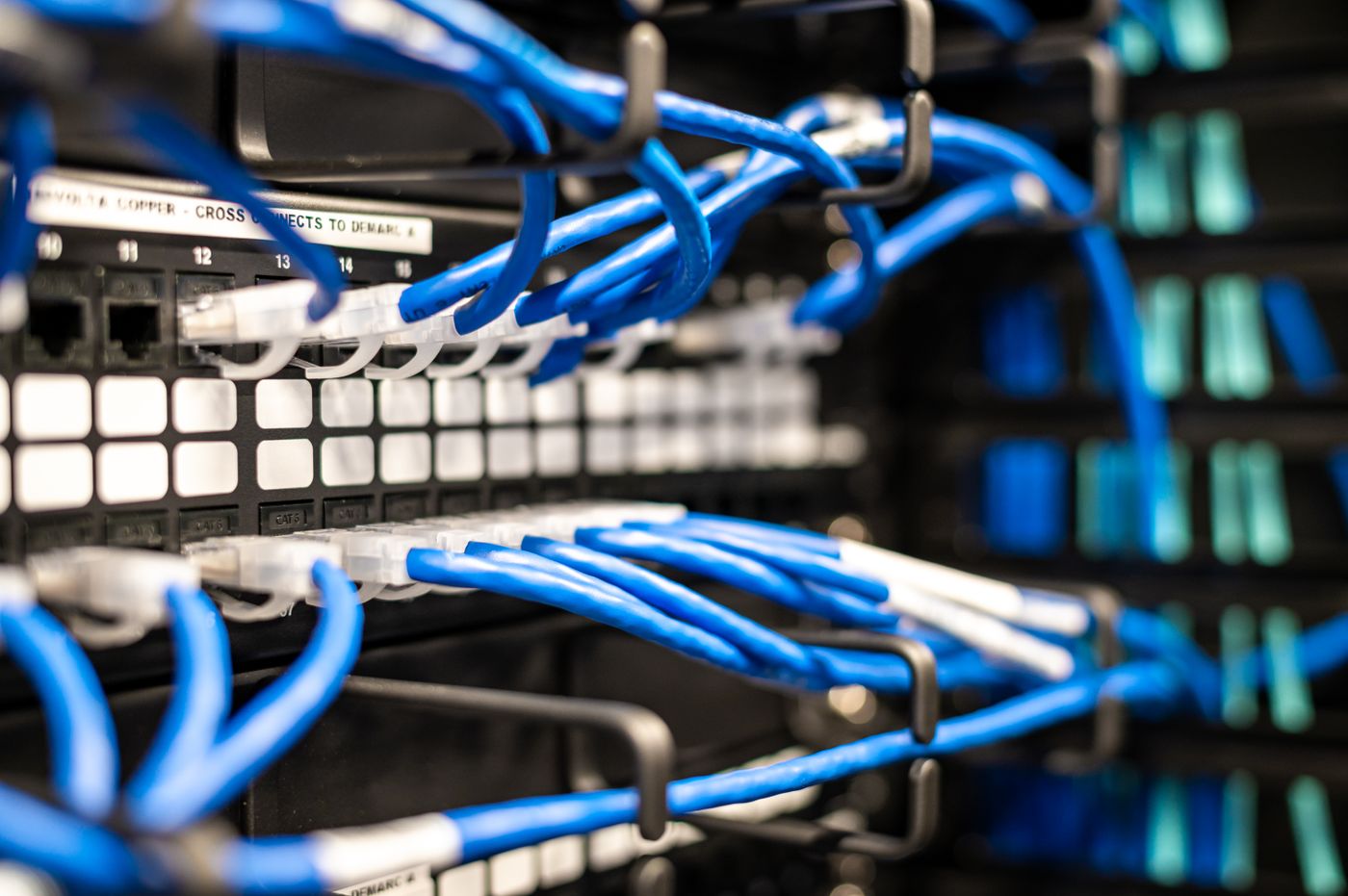
Server Rack & Patch Panel Setup
Organise network equipment, patch panels, switches and structured cabling inside suitable racks.
Network Troubleshooting
Diagnose slow connectivity, cable faults, IP conflicts, switch issues and network disconnections.
Structured Cabling for Offices and Factories
Structured cabling is an organised approach to installing and managing network cables throughout a building. It connects computers, printers, access points, servers and other network devices through planned cabling routes and termination points.
A structured cabling system can make it easier to identify network points, manage connections, troubleshoot faults and expand the infrastructure when additional employees or devices are introduced.
For professional installations, cable routing, labelling, termination, patch panels and testing should be considered during the planning stage.
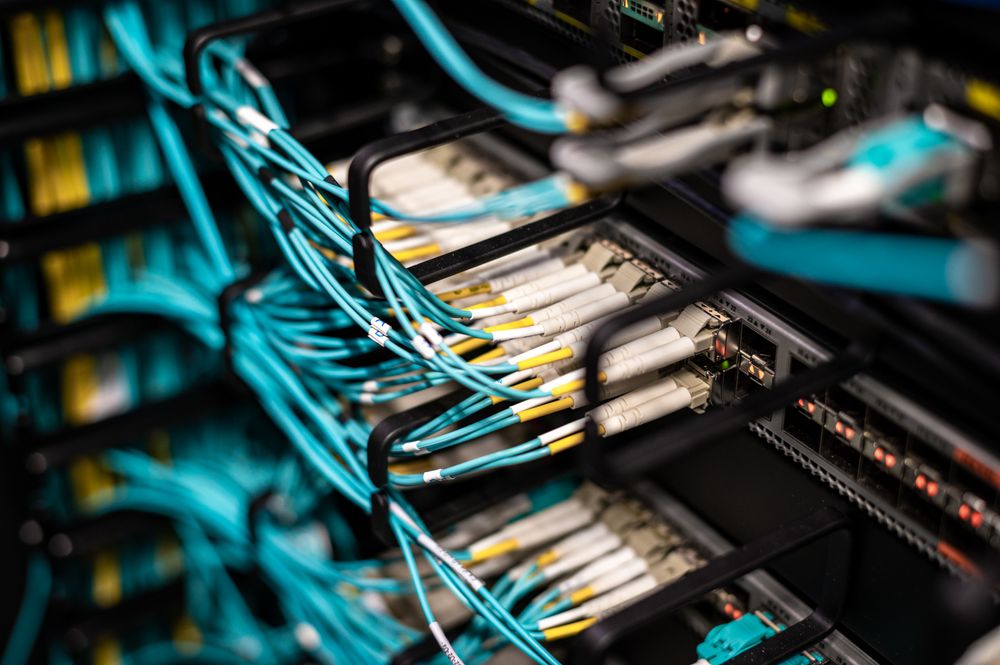
CAT6 vs CAT6A Ethernet Cable: Which Should You Choose?
CAT6 and CAT6A are commonly considered for office and industrial network installations. The right selection depends on the required network performance, installation environment, cable routing, supported equipment and future requirements.
| Feature | CAT6 | CAT6A |
|---|---|---|
| Network capability | Supports suitable Gigabit Ethernet and shorter 10GBASE-T links under specified conditions | Designed to support 10GBASE-T over the full standardised channel length |
| Cable construction | Generally easier to handle in many installations | Often thicker and less flexible |
| Installation | Suitable for many standard office networks | Useful where higher bandwidth capacity is planned |
| Cost | Often a lower-cost option | Usually higher material and installation cost |
| Future planning | Suitable for many current business requirements | Can provide additional headroom for high-speed networking |
The cable category alone does not determine network speed. Switches, routers, network adapters, terminations, cable quality and installation conditions must also support the required performance.
For detailed cabling design and installation information, refer to the Belden Copper Structured Cabling Design Guide.
Network Switch vs Router: Understanding the Difference
Switches and routers are two important components of a business network. Although they may look similar, they perform different functions.
Network Switch
A network switch connects computers, printers, servers, access points and other devices within a local network. It allows connected devices to communicate and share resources.
Network Router
A router connects different networks and directs data between them. It commonly provides the connection between a business LAN and the internet.
| Feature | Network Switch | Router |
|---|---|---|
| Main function | Connects devices within a LAN | Connects different networks |
| Typical usage | Computers, printers and servers | LAN and internet connectivity |
| Common location | Network rack or equipment cabinet | Network gateway or equipment cabinet |
| Network management | Managed or unmanaged features | Routing, firewall and network services depending on model |
Read the Cisco guide to setting up a small business network for a useful explanation of switches, routers and basic business network planning.
LAN Networking Solutions for Factories and Manufacturing Units
Factories and manufacturing units may need network connectivity across production floors, offices, stores, warehouses, inspection areas and administrative departments.
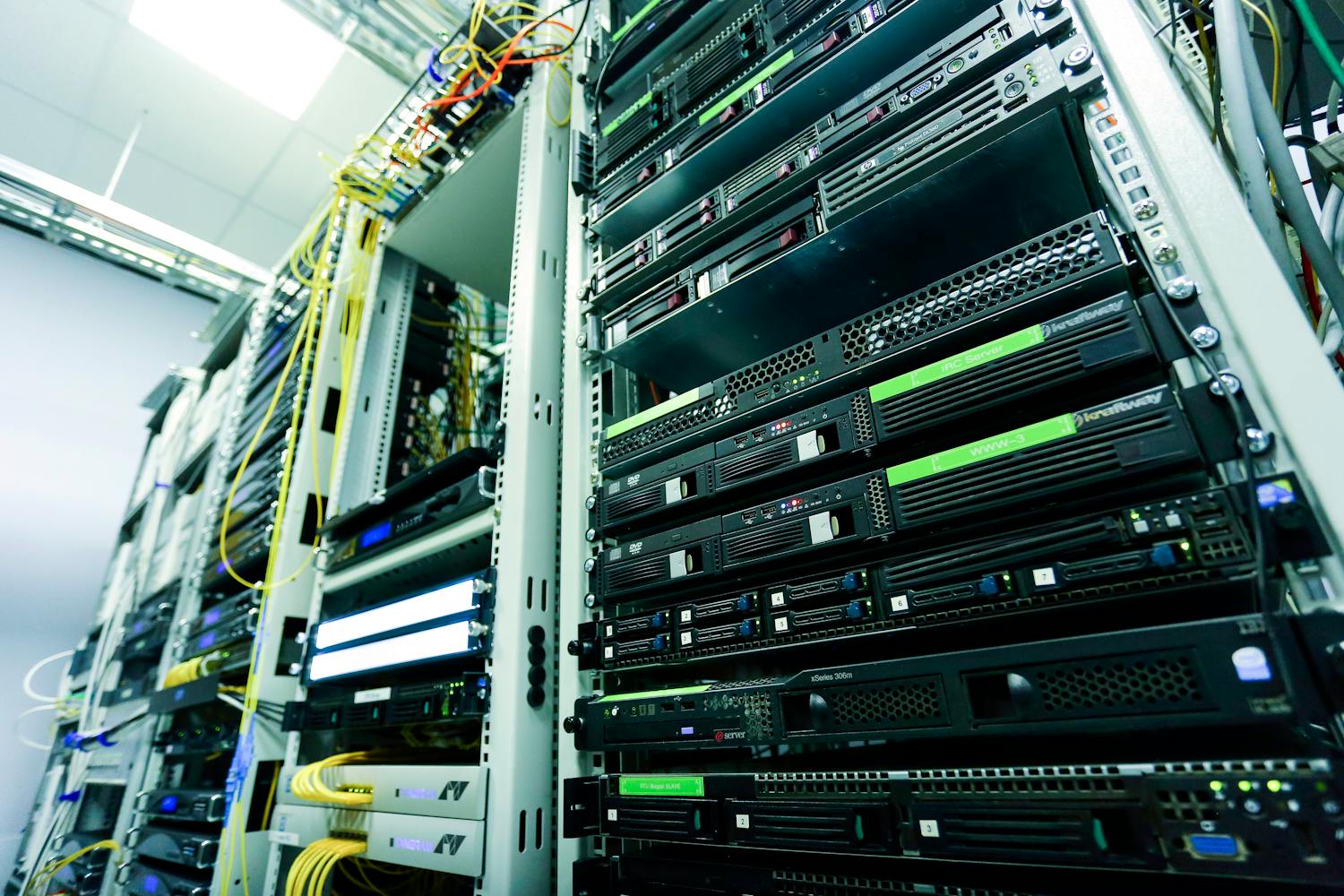
A planned factory network may support:
Production Office Connectivity
Connect office computers and authorised operational systems.
Warehouse Connectivity
Support network access for inventory systems and connected workstations.
Server Room Infrastructure
Connect servers, storage devices, switches and network security equipment.
CCTV Network Connectivity
Provide network connections for compatible IP cameras and recording systems.
Interdepartmental Communication
Connect departments through a properly planned business network.
Network Expansion
Plan additional network points for new machines, computers and employees.
LAN Networking for Offices and Commercial Businesses
Small and medium-sized offices need dependable connectivity for daily work. Employees may use accounting software, shared printers, business applications, cloud services, file storage and video conferencing.
Virnobyte can help plan office network connectivity based on the number of employees, workstations, printers, servers and wireless devices.
- Desktop and laptop network connectivity.
- Shared printer and scanner access.
- Router and switch configuration.
- Ethernet network point installation.
- Wireless access point installation.
- Network rack and patch panel arrangement.
- Internet and local network troubleshooting.
Wi-Fi Access Points and Wireless Network Setup
A wired LAN provides network connections through Ethernet cables, while wireless access points allow supported devices to connect through Wi-Fi.
For offices and factories, a combination of wired networking and wireless access points may provide a suitable solution. Computers and fixed equipment can use wired connections, while approved mobile devices can connect wirelessly.
Wireless network planning should consider building layout, walls, interference, user density, bandwidth requirements and access point positioning.
What Is a VLAN and Why Is It Important?
A Virtual Local Area Network (VLAN) allows a network to be divided into separate logical groups. Businesses can use VLANs to organise devices according to departments, functions or security requirements.
For example, an office may keep its employee computers, guest Wi-Fi and CCTV devices in separate network segments where supported by the equipment and network configuration.
| Network segment | Example devices | Purpose |
|---|---|---|
| Office Network | Employee computers and printers | Daily business operations |
| Guest Network | Visitor and customer devices | Separate internet access |
| CCTV Network | IP cameras and NVRs | Surveillance equipment connectivity |
| Server Network | Servers and network storage | Controlled access to business resources |
VLANs require compatible managed networking equipment and correct configuration. Separation alone is not a complete security solution; routing rules, firewall policies and access controls must also be considered.
Learn more: Cisco – Configuring Multiple SSIDs and VLANs.
Network Rack and Patch Panel Installation
A network rack provides an organised location for switches, patch panels, routers, servers and other infrastructure equipment. A properly arranged rack makes it easier to identify connections, perform maintenance and manage network expansion.
Benefits of an Organised Network Rack
- Better cable organisation and labelling.
- Centralised network equipment management.
- Easier identification of network connections.
- Improved accessibility for troubleshooting.
- Better planning for future network expansion.
For reliable installations, cables should be routed carefully, secured appropriately and labelled to make future maintenance easier.
LAN Network Installation Process at Virnobyte
A professional network installation begins with understanding how a business uses its computers and connected equipment. Virnobyte follows a planned approach to LAN network installation.
What Happens During a Network Installation?
- Understand the number of computers and network devices.
- Identify suitable locations for network points and equipment.
- Plan Ethernet cable routes and network rack placement.
- Select appropriate cable categories, switches and routers.
- Install and terminate cables and patch panels.
- Configure IP addressing, DHCP and relevant network settings.
- Test connectivity and document network connections.
- Explain the network setup and maintenance requirements.
LAN Network Troubleshooting and Maintenance
A network may develop problems over time because of damaged cables, faulty connectors, switch issues, incorrect IP configuration, power interruptions or equipment failures.
Common network problems that may require professional troubleshooting include:
Slow Network Speed
Investigate bandwidth limitations, cable faults, device performance and network congestion.
LAN Connection Failure
Check Ethernet cables, connectors, network ports and adapter settings.
Frequent Disconnections
Investigate unstable connections, power issues and network equipment performance.
IP Address Conflicts
Review DHCP settings, device addressing and network configuration.
Network Security and Best Practices
A business network connects computers, servers, printers and other important devices. Network security should be part of the design and configuration process rather than an afterthought.
- Use strong passwords for routers, switches and wireless networks.
- Change default administrator credentials.
- Keep network equipment firmware updated.
- Provide guest Wi-Fi separately from internal business access where appropriate.
- Use VLANs and firewall rules where required and supported.
- Restrict administrative access to authorised personnel.
- Maintain backups of important network configurations.
- Monitor network devices and investigate unusual activity.
For additional guidance, see the CISA guidance on securing network infrastructure devices.
Why Choose Virnobyte for LAN Networking Services?
Virnobyte Private Limited provides computer hardware, networking, CCTV and IT infrastructure solutions for businesses. We focus on understanding the customer's requirements before recommending network equipment and installation arrangements.
Factory Networking
LAN infrastructure planning for manufacturing units, warehouses and industrial premises.
Office Networking
Computer connectivity, printer sharing, Wi-Fi and network infrastructure for offices.
Structured Cabling
Ethernet cabling, network points, patch panels and cable management solutions.
Technical Support
Network configuration, fault diagnosis and maintenance support for eligible requirements.
Virnobyte Service Presence Across India
Virnobyte Private Limited has its head office in Pune, Maharashtra. We provide services across Maharashtra, have a strong presence in Karnataka and Goa, and also serve business requirements across Pan India, depending on project scope, location and support arrangements.
Whether you need LAN networking for an office in Kuruli, structured cabling for a factory, network rack installation for a warehouse or IT infrastructure for multiple business locations, contact Virnobyte to discuss your requirements.
Frequently Asked Questions About LAN Networking
Do you provide LAN networking services in Kuruli?
Virnobyte provides LAN networking and IT infrastructure solutions for business and industrial requirements. Contact us to discuss your Kuruli site location, network requirements and installation availability.
What is a LAN network?
A Local Area Network (LAN) connects computers and other devices within a limited area such as an office, factory, school or warehouse. It allows connected devices to communicate and share authorised resources.
Which Ethernet cable is suitable for office networking?
CAT6 is suitable for many standard business networks. CAT6A may be considered for higher-bandwidth requirements and future network capacity. The selection depends on equipment, distance, installation environment and project requirements.
How many network switches does an office need?
The number and type of switches depend on the number of computers, printers, access points, servers and other network devices. Future expansion and available switch ports should also be considered.
Can you install LAN networking in factories and warehouses?
Yes. Virnobyte provides networking solutions for business and industrial requirements, including structured cabling, network switches, routers and connectivity planning.
What is structured cabling?
Structured cabling is an organised system of cables, termination points and patch panels used to connect network devices throughout a building.
Can guest Wi-Fi be separated from the office network?
Yes. Suitable networking equipment can support separate guest and employee networks using SSIDs, VLANs and appropriate firewall or access-control settings.
Does Virnobyte provide network maintenance?
Virnobyte provides network troubleshooting and IT maintenance support for eligible business requirements. AMC scope and service arrangements can be discussed according to the equipment and location.
Do you provide networking services outside Pune?
Virnobyte provides services across Maharashtra, has a strong presence in Karnataka and Goa, and offers Pan-India service reach depending on project requirements and location.
Useful Networking Technical Resources
Explore these technical resources to learn more about LAN networking, structured cabling, business switches and network configuration.
- Cisco – How to Set Up a Small Business Network
- Belden – Copper Structured Cabling Design Guide
- TP-Link India – Business Networking Switch Solutions
- Cisco – Configuring Multiple SSIDs and VLANs
- CISA – Securing Network Infrastructure Devices
- Pexels – Free Image License
Looking for LAN Networking Services in Kuruli?
Build a reliable network infrastructure for your office, factory or warehouse with Virnobyte.
LAN Installation | CAT6 Cabling | Network Switches | Router Configuration | Wi-Fi Setup | Network Maintenance
Call 8669883332 Call 9822754565
Email:
info@virnobyte.com
Website:
www.virnobyte.com
Head Office:
Sadichha Complex, Sawtamali Temple Road,
Jadhavwadi, Chikhali, Pune – 411062,
Maharashtra, India.
Serving Maharashtra, with a strong presence in Karnataka and Goa, and Pan-India service reach. On-site availability depends on location and project requirements.