
8GB vs 16GB RAM: Which Is Better?
8GB vs 16GB RAM: which is better for you? Compare speed, multitasking, study, office work and coding, and find out when 8GB is enough and when 16GB is worth paying extra for.
By Virnobyte Team · · 4 min read
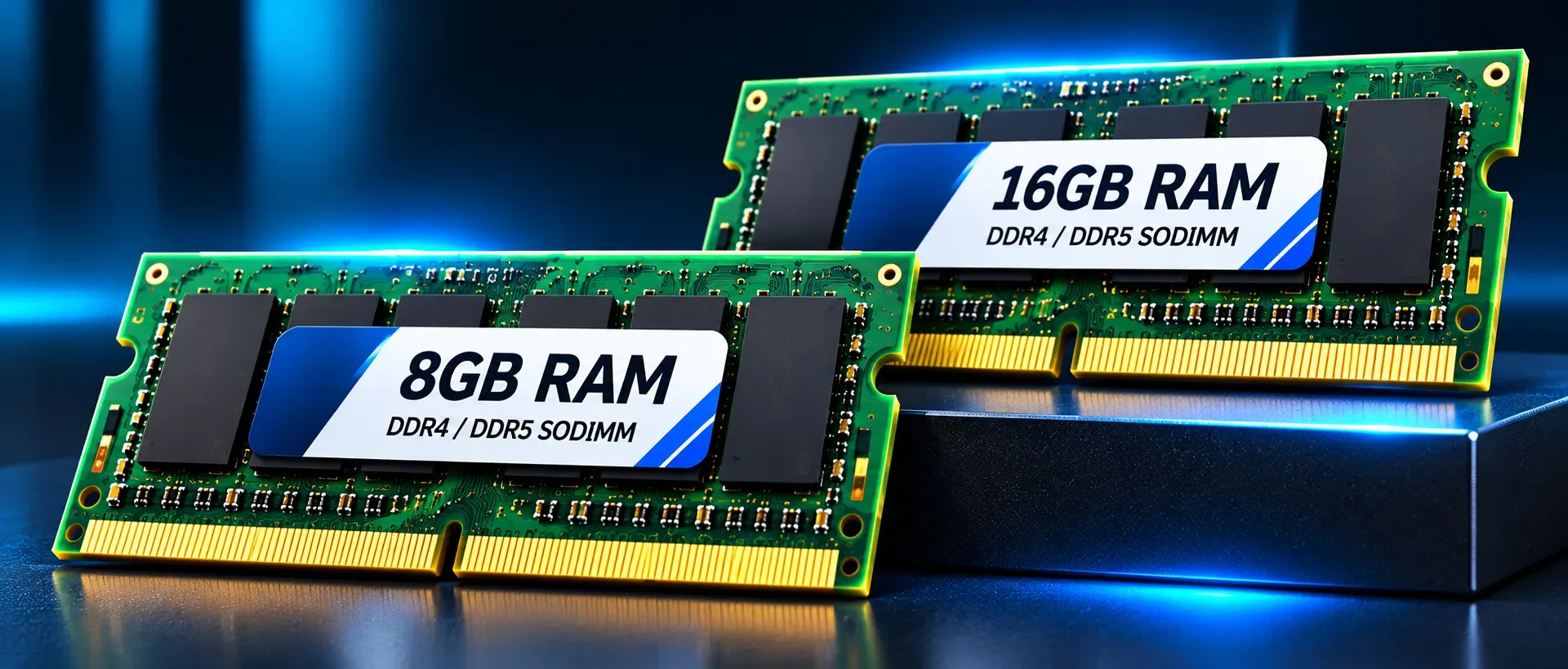
8GB vs 16GB RAM: Which Is Better?
A plain comparison to help you pick the right memory for your laptop
The Short Answer
16GB is better for most people. It is smoother, handles more work at once and stays useful for longer. But 8GB is still enough for light, everyday use, and it costs less.
The real question is not which number is bigger, but which one fits the way you use your laptop.
A Quick Reminder: What RAM Does
RAM is your laptop’s working space. Every app, browser tab and document you have open uses a part of it. When the space fills up, the laptop slows down or starts struggling to switch between tasks.
More RAM means more room to work without slowdowns.
8GB RAM: Who Is It For?
8GB is a good fit if your use is simple and steady.
It works well for:
Browsing the web and watching videos
Online classes and video calls
Word documents and basic spreadsheets
Email, notes and simple presentations
Light daily use by a student or a home user
Where it struggles:
Many browser tabs open together
Several apps running at the same time
Large spreadsheets or heavy accounting software
Coding tools, emulators and virtual machines
Photo or video editing
Good side: lower price, enough for basic work.
Weak side: it can feel tight after a year or two as apps and websites become heavier.
16GB RAM: Who Is It For?
16GB gives you much more breathing room.
It works well for:
Heavy multitasking with many tabs and apps
Programming, coding tools and testing
Large spreadsheets and business software
Video calls while working on other files
Light photo editing and creative work
Anyone who wants a laptop to last 4 to 5 years
Which One Should You Choose?
Choose 8GB if:
Your budget is tight
You mainly browse, attend classes and write documents
You rarely keep more than a few things open
You can upgrade the RAM later
Choose 16GB if:
You multitask often
You study coding, engineering or computer courses
You run a business and use accounting or other heavy software
You want the laptop to stay fast for years
The RAM is soldered and cannot be upgraded
Is the Price Difference Worth It?
In most cases, yes. The extra cost for 16GB is usually small compared with the price of the whole laptop. Buying 8GB to save a little and then feeling the slowdown a year later is a common mistake. If 16GB fits in your budget, it is usually the better buy.
But if money is tight and your work is light, a good 8GB laptop with a fast SSD still works well. A laptop with 8GB RAM and an SSD feels faster than one with 16GB RAM and an old hard drive.
Check Whether RAM Can Be Upgraded
Before you decide, find out whether the laptop’s RAM can be changed later.
Upgradeable RAM: you can start with 8GB and add more when you need it.
Soldered RAM: the memory is fixed to the board. What you buy is what you keep. In this case, lean towards 16GB from the start.
Also check how many memory slots the laptop has and which type of RAM it uses.
Other Things Matter Too
RAM is only one part of a fast laptop. A balanced machine needs:
A recent processor, such as an Intel Core i5 or AMD Ryzen 5
An SSD instead of a hard drive
A good cooling system
Enough battery life for your day
A strong amount of RAM can’t fix a weak processor or a slow drive.
Common Mistakes to Avoid
Choosing 8GB only to save a small amount
Paying for 16GB when your work is very light
Ignoring whether the RAM can be upgraded
Blaming RAM for slowness caused by an old hard drive or too many startup programs
Looking only at RAM and ignoring the processor and SSD
Quick Checklist
Light use and a tight budget: 8GB
Multitasking, coding or business work: 16GB
Soldered RAM: choose 16GB
Upgradeable RAM: 8GB can be a starting point
Always pair RAM with an SSD
Need Help Deciding or Upgrading?
If you are not sure whether your laptop needs more RAM, a technician can check your model and tell you honestly what will help. Virnobyte offers laptop and desktop hardware services, including memory upgrades, component replacement and system optimisation.
Final Word
For most people in India’s study and work routines, 16GB is the better choice. It keeps your laptop smooth today and avoids upgrade headaches later. But 8GB is still a sensible pick for light users on a budget, especially if the RAM can be upgraded.
Match the RAM to your real work, check the exact configuration and don’t overpay for memory you won’t use.