
Best Laptops for Video Editing
Best laptops for video editing need a fast multi-core CPU 16-32GB RAM, a dedicated GPU, a speedy NVMe SSD, and a color accurate display to handle 4Kfootage in Premiere Pro or DaVinci Resolve smoothly.
By Virnobyte Team · · 5 min read
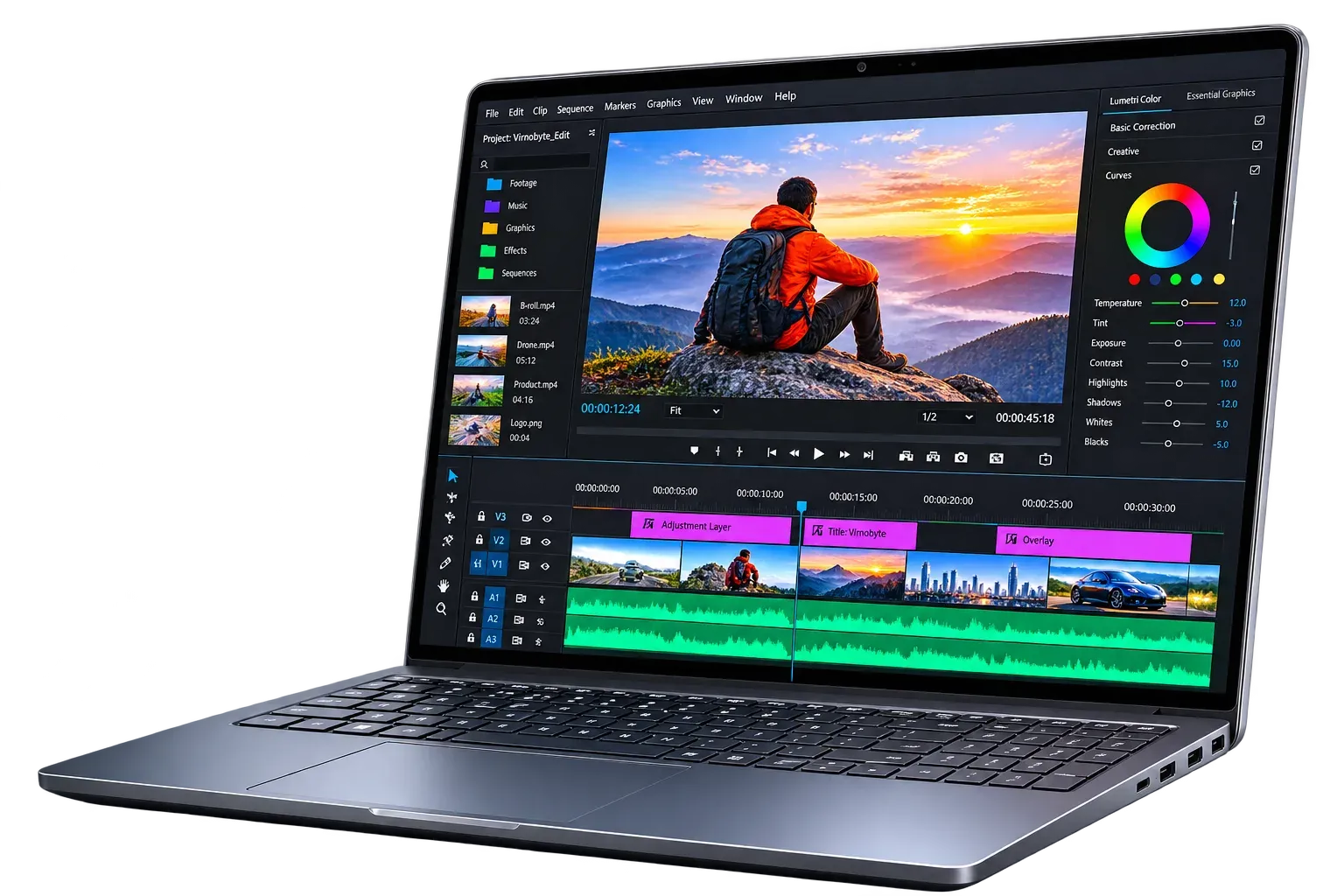
Best Laptops for Video Editing
Video editing is among the most demanding things you can do on a laptop. Timelines packed with 4K clips, color grading, effects, and exports push the processor, graphics card, memory, and storage all at once. A weak machine means stuttering playback, long render times, and crashes. This guide explains what matters, which brands and series are worth considering, and what to pick at each budget, including refurbished options.
What Video Editing Demands
Editing software such as Premiere Pro, DaVinci Resolve, Final Cut Pro, and After Effects uses the CPU for decoding and encoding, the GPU for effects, color grading, and previews, RAM for holding clips and caches, and the SSD for reading large media files quickly. A bottleneck in any one of these slows the entire workflow, so balance matters more than one standout spec.
Key Features to Look For
Processor. Video work benefits from many fast cores. Aim for a Core i7 or Ryzen 7 at minimum for serious editing, and Core i9, Ryzen 9, or Apple M-series Pro and Max chips for 4K and beyond. A Core i5 or Ryzen 5 can handle 1080p editing and light projects.
Graphics. A dedicated GPU makes a big difference in effects, scrubbing, and exports. NVIDIA GeForce RTX 4050 is a sensible entry point, RTX 4060 or 4070 suits most professionals, and higher cards help with 4K, 3D, and heavy effects. NVIDIA’s hardware encoders also speed up exports. Apple’s integrated GPUs perform very well within Final Cut Pro and DaVinci Resolve.
RAM. 16GB is the minimum, 32GB is the comfortable choice for 4K work and After Effects, and 64GB suits very heavy projects. Check whether the RAM is upgradeable, since some thin laptops have it soldered.
Storage. Use a fast NVMe SSD, at least 1TB if possible. Raw footage fills space quickly, so plan on an external SSD for projects and archives.
Display. Look for an IPS or OLED panel with 100% sRGB and ideally 90% or more DCI-P3 coverage, good brightness, and at least QHD resolution. Accurate color matters for grading.
Cooling and ports. Long exports generate heat, and poor cooling causes throttling that slows performance. Useful ports include Thunderbolt or USB4, HDMI, and an SD card reader for camera footage.
Best Brands and Series to Consider
Model names change often, so treat these as dependable series and verify the current specs before buying.
Apple MacBook Pro (M-series Pro/Max). Widely regarded as one of the best choices for editing. It offers excellent performance, a superb display, great battery life even under load, and strong optimization for Final Cut Pro. The downsides are high price and no upgradeable RAM or storage.
ASUS ProArt and Zenbook Pro series. Built for creators, with accurate OLED displays and strong hardware. ProArt models are a favorite among editors.
ASUS ROG Zephyrus and Lenovo Legion series. Gaming-style laptops with powerful GPUs and good cooling, often giving more raw power per rupee, though they can be heavier and have less color-accurate screens.
Dell XPS and Precision. XPS offers a premium build and beautiful display, while Precision workstation models add professional-grade reliability.
HP ZBook and Omen/Victus. ZBook is a workstation line for professionals, while Omen and Victus give strong GPUs at lower prices.
MSI Creator series. Designed for content creators with color-calibrated screens and powerful components.
Acer Predator and ConceptD. Offer high performance, with ConceptD aimed at creative professionals.
Suggested Configurations by Budget
Prices are approximate for the Indian market and change often, so confirm current rates before purchase.
Entry level (around ₹70,000 to ₹90,000)
Suited to beginners, students, and 1080p editing.
Processor: Core i5/i7 or Ryzen 5/7
RAM: 16GB
GPU: RTX 3050 or 4050 class
Storage: 512GB to 1TB NVMe SSD
Display: 15.6" Full HD IPS, good sRGB coverage
Example series: Lenovo LOQ or Legion 5, HP Victus, ASUS TUF, Acer Nitro
Mid range (around ₹90,000 to ₹1,50,000)
A strong choice for freelancers and YouTubers editing 4K.
Processor: Core i7 or Ryzen 7
RAM: 16GB to 32GB
GPU: RTX 4060 class
Storage: 1TB NVMe SSD
Display: QHD or OLED, high color coverage
Example series: ASUS ProArt or Zephyrus G14/G16, Lenovo Legion Slim, MSI Creator, MacBook Air (M-series, for lighter editing)
Premium (around ₹1,50,000 and above)
For professional editors, colorists, and heavy 4K or 8K workflows.
Processor: Core i9, Ryzen 9, or Apple M-series Pro/Max
RAM: 32GB to 64GB
GPU: RTX 4070 or higher, or Apple Max-class GPU
Storage: 1TB to 2TB SSD
Display: 4K or mini-LED/OLED, 95%+ DCI-P3
Example series: MacBook Pro 14/16, ASUS ProArt, Dell Precision, HP ZBook
New vs Refurbished
New laptops offer full warranty and the latest hardware, which is valuable when the machine earns your income.
Refurbished laptops can give you a much more powerful machine for the same money. Good options include Dell Precision, HP ZBook, Lenovo ThinkPad P series, and older MacBook Pro models. Buy only from a trusted seller with at least six months of warranty, and check battery health, display quality, keyboard, ports, and fan noise. Avoid very old processors and weak GPUs, since modern editing software may struggle on them.
Best Choices at a Glance
Best overall: MacBook Pro with an M-series Pro or Max chip, especially if you use Final Cut Pro or DaVinci Resolve.
Best for Windows creators: ASUS ProArt, thanks to its accurate display and strong components.
Best value performance: Lenovo Legion Slim or ASUS ROG Zephyrus with an RTX 4060, for more power per rupee.
Best budget: Lenovo LOQ, HP Victus, or ASUS TUF with RTX 4050 and 16GB RAM for 1080p editing.
Best used option: A refurbished Dell Precision, HP ZBook, or ThinkPad P series.
Tips Before You Buy
Prioritize the GPU, RAM, and cooling over thin design.
Use an external SSD for active projects to keep the internal drive free.
Consider an external monitor for accurate color grading.
Keep the laptop plugged in while exporting, as performance often drops on battery.
Read reviews that test sustained performance, not just short benchmarks.
Final Thoughts
The best laptop for video editing is one that balances a strong processor, a capable GPU, at least 16GB (ideally 32GB) of RAM, fast storage, and a color-accurate display, all with good cooling. For most editors, a MacBook Pro or a well-cooled RTX 4060 laptop offers the best mix of speed and reliability. Beginners can start with a budget RTX laptop, and those watching their spending can look at carefully chosen refurbished workstations. Compare current reviews, match the machine to your footage resolution, and choose the one that keeps your creativity flowing.