
Best Business Laptops for Office Use in 2026
Looking for the best business laptops for office use in 2026? Compare performance, battery life, security, durability and value to pick reliable models for your team, with practical expert advice.
By Virnobyte Team · · 5 min read
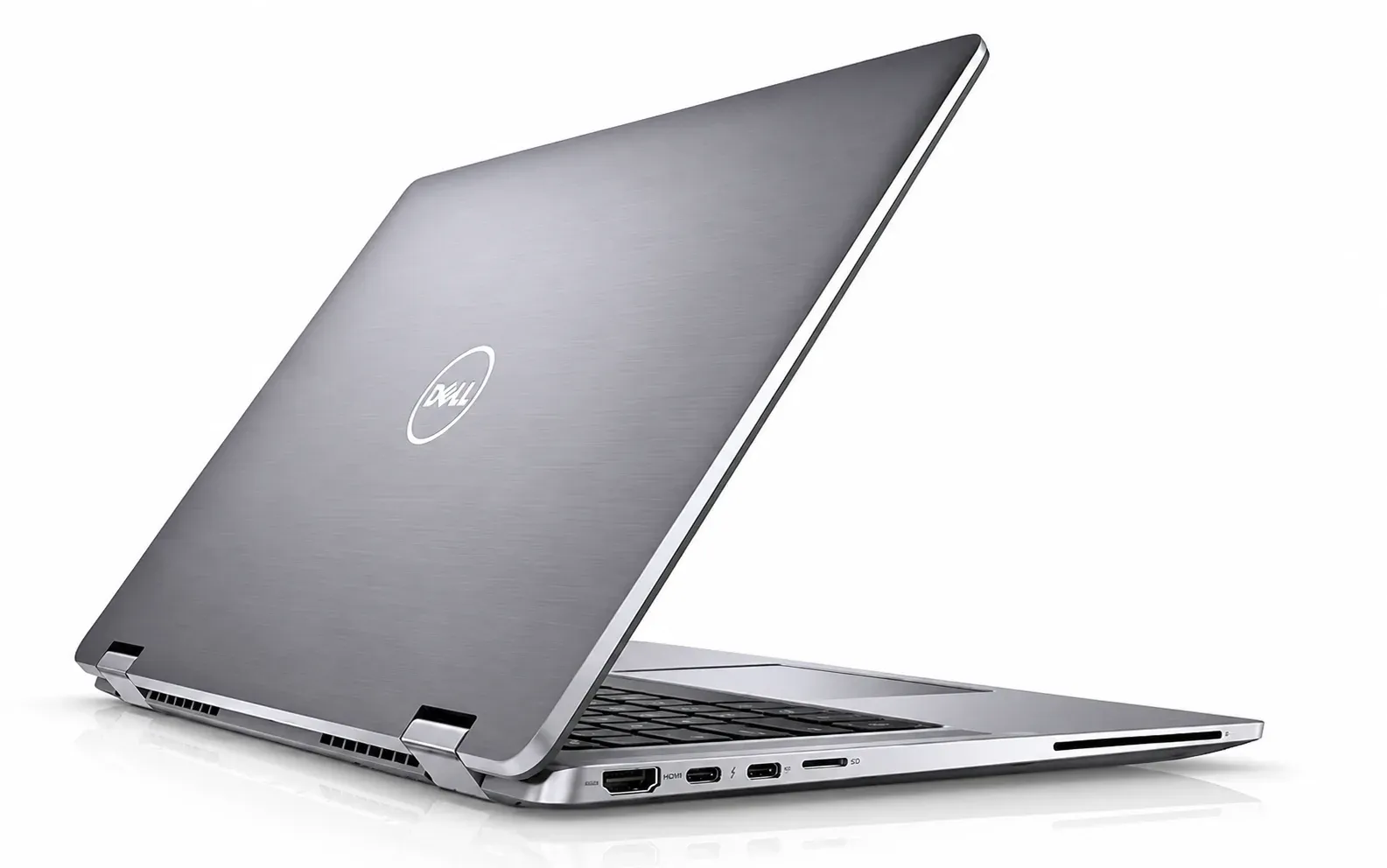
Best Business Laptops for Office Use in 2026
Practical picks and buying advice for offices, teams and professionals
What Makes a Laptop "Business Class"?
A business laptop is not just a regular laptop in a plain black shell. It is built to be used for eight to ten hours a day, carried to meetings, dropped into bags and managed by an IT team. Flashy lights and extreme graphics matter little here. Reliability, comfort and security matter most.
That is why offices keep returning to a handful of trusted product families rather than chasing every new gadget.
What to Look For in 2026
Processor and Memory
For office work such as email, spreadsheets, video meetings and cloud tools, a modern mid-range processor is plenty. Pay attention to memory: 16 GB is a sensible starting point today, and 32 GB suits teams that run heavy software or many apps at once. Many slim models solder the memory onto the board, so you cannot add more later. Buy enough on day one.
SSD Storage
Choose an SSD, always. A 512 GB drive is comfortable for most staff, and 1 TB suits those who store large files locally.
Battery Life
Manufacturer battery claims come from ideal lab tests. Real office use, with meetings, browser tabs and Wi-Fi, usually gives noticeably less. If staff travel or move between rooms, check independent reviews for real-world hours.
Security Features
Business data needs protection. Look for these:
• Fingerprint reader or face login for quick, safe sign-in
• TPM chip and secure start-up, which protect data if a laptop is stolen
• Webcam privacy shutter for peace of mind
• Remote management support so IT can update and lock devices
Keyboard, Screen and Webcam
Your team will type and look at the screen all day. A comfortable keyboard, a bright anti-glare display and a clear webcam and microphone make daily work easier, especially with so many video calls.
Build Quality and Weight
Office laptops get carried, stacked and bumped. Metal or reinforced bodies and sturdy hinges last longer. For travelling staff, a lighter model is worth the extra cost.
Ports and Connectivity
Check for the ports your team really uses, such as USB, HDMI and a charging port. Modern Wi-Fi support helps in busy offices with many connected devices.
Trusted Business Laptop Families to Consider
Instead of chasing one "winner", it helps to know which product families suit which needs. Model names and generations change often, so always confirm current availability and specifications before you order.
Lenovo ThinkPad
Famous for excellent keyboards and tough, reliable builds. The slim premium models suit executives and frequent travellers, while the lower-priced lines suit everyday staff and small teams.
Dell Latitude and Dell Pro
Popular with larger offices because they are easy for IT teams to deploy and manage. They come in many sizes and price levels, which makes it simple to standardise across a whole company.
HP EliteBook and ProBook
Known for strong security features and a polished, professional look. The EliteBook range targets managers and executives, while the ProBook range offers good value for general staff.
ASUS ExpertBook
A solid value-focused choice that often offers sturdy builds and useful features at friendly prices. It suits small and growing businesses.
Apple MacBook Air and MacBook Pro
Excellent battery life, quiet operation and smooth performance. A good fit for teams that already use Apple software, and for creative or design-focused professionals. Check that your business tools run well on macOS before you commit.
Our Suggestions by Need
Best for executives and frequent travellers: choose a slim, lightweight premium model from the ThinkPad or EliteBook range. You get a strong keyboard, long battery life and top security in a body that is easy to carry.
Best for everyday office staff: a mid-range Dell Latitude or Dell Pro, ThinkPad or ProBook model with 16 GB of memory and a 512 GB SSD covers email, documents, meetings and cloud work comfortably.
Best for small businesses on a budget: look at the entry-level business lines from Lenovo, HP, Dell or ASUS. Skip the cheapest consumer laptops, as they often lack the build quality and warranty options a working office needs.
Best for creative and design teams: consider a MacBook Pro or a high-performance Windows model with a strong display and extra memory.
Best for large teams and IT managers: choose one family and standardise. A single model line makes support, spare parts and training far simpler.
Do Not Forget Warranty and Support
An office laptop that is down means a person who cannot work. Before you buy in bulk, check:
• Length of the warranty and whether it covers the battery and adapter
• Whether on-site or next-day service is available in your city
• If the seller provides proper GST invoices and after-sales help
• Whether extended warranty or accidental damage cover is offered
Mistakes Offices Often Make
• Buying the cheapest option for every employee, then paying more in repairs and lost time
• Mixing too many different models, which makes support harder
• Ignoring memory and storage to save a small amount today
• Skipping the keyboard test before ordering for the whole team
• Forgetting accessories such as chargers, bags, mice and docking stations
A Simple Buying Checklist
• Decide the main users: executives, staff, creatives or field teams
• Set a budget per person, not just a total
• Pick 16 GB of memory and an SSD as the minimum
• Insist on security features such as fingerprint login and TPM
• Check warranty and local service before you pay
• Try the keyboard and screen on one sample unit
• Standardise on one product family where possible
Final Word
The best business laptop is the one your team can rely on every single day for years. Start with how people really work, choose a trusted family, protect your data and make sure support is easy to reach. That approach saves more money and stress than any single spec ever will.
Looking for the right laptops for your office? Shop business laptops or request a bulk order quote, and share your team size and budget for personal recommendations.