
Best Laptops for Business Owners and Professionals
Compare the best laptops for business owners and professionals, with key features like fast processors, 16 GB RAM, SSD storage, long battery life, strong security and reliable after-sales support.
By Virnobyte Team · · 4 min read
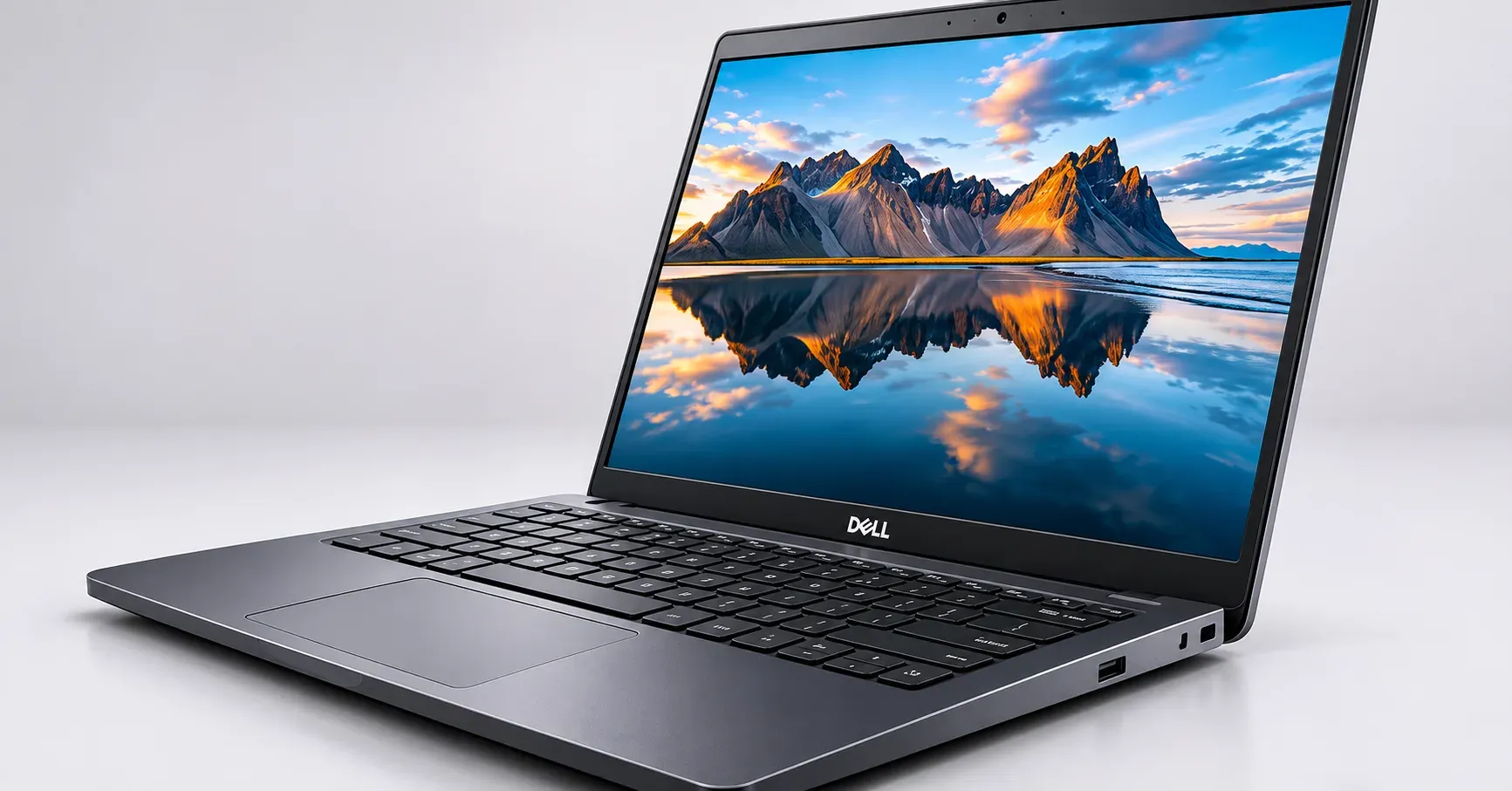
Best Laptops for Business Owners and Professionals
A simple guide to choosing a laptop that works as hard as you do
Why Your Business Laptop Matters
A business laptop is more than a screen and a keyboard. It holds your client details, invoices, emails and presentations. When it slows down or stops working, your work stops too.
So choose a laptop for reliability first, then looks. Here is how to choose well.
What to Look For
- A Reliable Processor
The processor is the laptop's brain. For daily office work, video calls, and accounting software, a recent Intel Core i5 or AMD Ryzen 5 is a safe starting point. If you handle large files, analytics, or many programs at once, step up to an i7 or Ryzen 7.
- Enough Memory (RAM)
RAM decides how many things your laptop can do at the same time. Choose 16 GB if you can. It keeps the laptop smooth when you have spreadsheets, a browser full of tabs, and a video call open together. 8 GB is the minimum, and it can feel tight after a year or two.
- A Fast SSD
Pick a laptop with an SSD instead of an old-style hard drive. It starts up quickly and opens files faster. 512 GB is a comfortable size for most professionals. If you work with large files, consider 1 TB or keep a backup drive.
- Good Battery Life
You may work in a client’s office, at an airport or at a café with no plug nearby. Look for a laptop that lasts a full working day. Independent reviews give a more honest picture than the claims on the box.
- Light and Strong Build
If you travel often, a laptop of around 1.2 to 1.6 kg is easy to carry. Sturdy hinges and a firm body matter just as much, because a business laptop is opened and closed many times a day.
- A Comfortable Keyboard and Screen
You will type emails, reports and messages for hours. A well-spaced keyboard saves effort. A Full HD screen with good brightness is easier on your eyes, and a matte finish cuts glare in bright rooms.
- Security Features
Your laptop carries private information, so look for these:
- A fingerprint reader or face login
- A webcam privacy shutter
- A TPM chip for encryption
- Easy options to back up your data
- Useful Ports
Check for USB ports, an HDMI port for presentations and a charging port that suits your setup. Some very slim laptops have few ports, so you may need an adapter.
Types of Business Laptops
Standard business laptops are made for daily office tasks. They balance price, speed and durability. Most business owners and professionals will be happy with this type.
Ultra-light laptops are slim, light and made for people who travel. They cost more, but they are easy to carry and often have excellent battery life.
Premium professional laptops have better screens, stronger bodies and extra security. They suit consultants, executives and people who meet clients often.
Powerful workstation-style laptops are made for designers, architects, video editors and analysts. They handle heavy software, but they are bigger, heavier and costlier.
Which Laptop for Which Professional?
Small business owners and shopkeepers: Choose a dependable all-rounder with 8 to 16 GB RAM and an SSD. It handles billing, accounting software and email without trouble.
Accountants and finance professionals: Pick a laptop with a good keyboard, ideally with a number pad, and a clear Full HD screen. Spreadsheets need comfortable typing.
Consultants and sales professionals: You are always on the move, so go for a light laptop with strong battery life and a good webcam and microphone.
Lawyers, doctors and other private-data professionals: Security comes first. Choose strong login options and encryption.
Designers, architects and video editors: You need a faster processor, more memory and a better screen. A dedicated graphics chip will help with demanding software.
Freelancers and remote workers: A balanced laptop with a good webcam, a decent speaker and reliable Wi-Fi keeps video meetings professional.
Warranty and Support Matter
A fault at the wrong time can cost you money. Before you buy, check these points:
- How long the warranty is and what it covers
- Whether authorised service is available in your city
- Whether on-site or pick-up service is offered
- Whether you receive a proper GST invoice, which helps with business expense claims
- Whether extended warranty or accidental damage cover is available
Common Mistakes to Avoid
- Buying for looks instead of speed and reliability
- Choosing too little memory to save a small amount
- Ignoring after-sales service
- Skipping the keyboard test
- Forgetting a good laptop bag, backup drive and a mouse
- Not planning for software licences, which are part of the real cost
Quick Checklist
- Intel Core i5 or Ryzen 5 or better
- 16 GB RAM if possible
- 512 GB SSD or more
- Full HD screen
- Battery that lasts a working day
- Comfortable keyboard
- Fingerprint login and good security
- Written warranty and a GST invoice
Final Word
The best business laptop is the one that suits your kind of work, feels comfortable to use and has support you can count on. Make a short list of two or three options, compare their exact specifications and choose the one that will still serve you well in three to four years.