
Best Laptops for Students Under ₹30,000
Student on a budget? Find laptops under ₹30,000 that handle online classes, assignments and daily study, with smart tips on RAM, SSD, battery and warranty so every rupee counts. Pick the right one.
By Virnobyte Team · · 5 min read
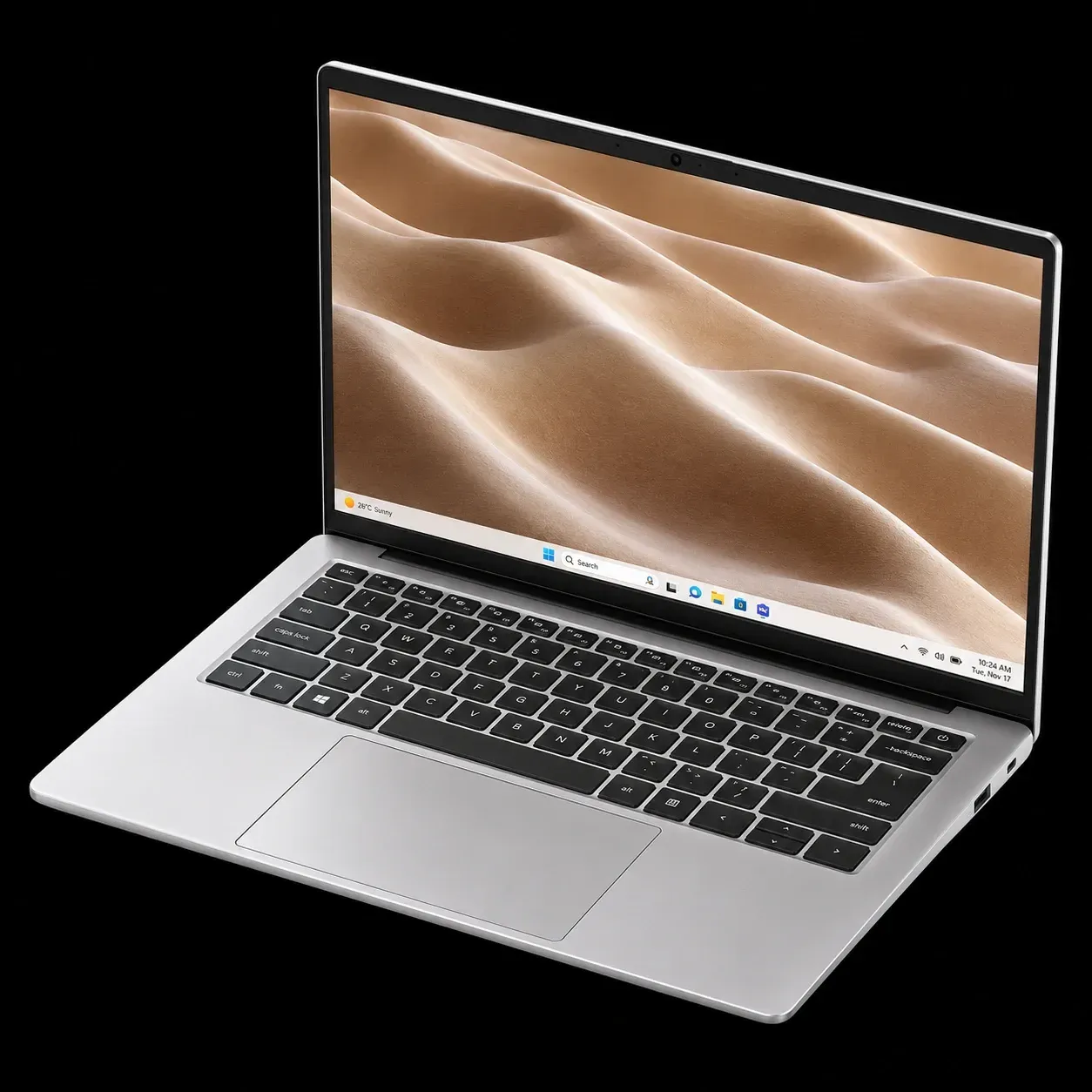
Best Laptops for Students Under ₹30,000
Brands, models and smart buying tips so every rupee counts
A Student Budget Can Still Buy a Good Laptop
Thirty thousand rupees is not a lot for a laptop, but it is enough for a machine that handles online classes, assignments, presentations, coding basics and a bit of entertainment. The trick is knowing where to spend and where to save. A sleek design or a flashy sticker matters far less than the memory, storage and battery inside.
This guide shows what to look for, which brands and model families are worth checking, and which student suits which laptop.
Note: laptop prices and stock in India change often, and offers come and go. Treat every price below as a rough guide and confirm the current price and configuration before you buy.
What Matters Most at This Price
1. Memory (RAM)
Choose 8 GB if you can. A 4 GB laptop slows down quickly once you open a browser with several tabs, a video call and a document together.
2. SSD, Not an Old Hard Drive
An SSD makes a budget laptop feel fast. Aim for 256 GB at the very least, and 512 GB if the price allows. Avoid models that rely only on a traditional hard drive.
3. Processor
Entry-level Intel Core i3 or AMD Ryzen 3 chips are the sweet spot for study. Very basic processors such as Celeron types are fine for browsing and documents but can feel slow with heavier multitasking.
4. Battery and Weight
Classes, libraries and travel mean the charger is not always nearby. Look for a battery that lasts a college day in real use, and a body light enough for a backpack.
5. Screen and Keyboard
Choose a Full HD display if possible, as it is kinder to your eyes during long study hours. Type on the keyboard in a shop if you can. You will be using it for years.
Brands and Models Worth Checking
Here are the families that regularly appear in this price range. Specific versions change, so always check the exact processor, memory and storage.
Acer Aspire 3 and Aspire Lite
A long-running favourite with students. These laptops often pair an entry-level Intel or AMD processor with 8 GB of memory and a 512 GB SSD at a friendly price. A strong choice if you want a regular Windows laptop with good value for money.
ASUS Vivobook Go 15
A light, simple 15-inch laptop that is popular for note-taking, research, online classes and everyday office tasks. It suits students who want a clean Windows experience without extras.
Lenovo V15 and IdeaPad Slim 3
Lenovo's budget lines are known for solid build quality and a comfortable keyboard. They are a sensible pick for students who type a lot, such as those writing reports or learning to code.
HP 15 and HP 255 Series
HP offers dependable all-rounders with wide service coverage across India. Look for the versions with an SSD and 8 GB of memory, which are noticeably smoother in daily use.
Primebook 2 Series
A different kind of choice made for Indian students. These laptops run PrimeOS, an Android-based system, so they suit learners who rely on mobile apps, coaching platforms, browser-based study tools and long battery life. They are not the right pick if your course needs Windows-only software.
Chromebooks from ASUS and Lenovo
Simple, light and quick to start, with strong protection against viruses. They work well for school students and anyone who studies mostly through a web browser, Google tools and online classes. Remember that they cannot run most Windows programs.
Certified Refurbished Business Laptops
Business-class models from ThinkPad, Dell Latitude and HP ProBook lines can sometimes be found within this budget. They often offer sturdier bodies and better keyboards than new budget laptops. The catch is battery wear and age, so buy only from a trusted seller who gives a written warranty, tests the battery and provides a proper invoice.
Which Laptop Suits Which Student?
School students (classes 5 to 10): a Chromebook or a Primebook is simple, light and easy to manage for online classes and homework.
Arts, commerce and general college students: an Acer Aspire, ASUS Vivobook Go or HP 15 with 8 GB of memory and an SSD handles notes, assignments and presentations comfortably.
BCA, BSc IT and basic coding students: a Lenovo V15 or IdeaPad Slim 3, or a well-checked refurbished ThinkPad, gives a comfortable keyboard and reliable Windows performance.
Competitive exam students: a Primebook or a light Windows laptop with strong battery life suits long study sessions and coaching platforms.
Design, video editing and heavy engineering software: this budget will feel tight. Consider saving a little longer, or choose the best-specced refurbished option you can trust.
Warranty and After-Sales Support
A cheap laptop that cannot be repaired nearby becomes expensive fast. Before you pay, check:
• The warranty period and what it covers, including the battery and charger
• Whether authorised service is available in your city
• Whether you get a proper GST invoice, which you need for any claim
• The seller's return or replacement policy
Common Mistakes Students Make
• Choosing a hard drive over an SSD to save a small amount
• Buying 4 GB of memory, then regretting the slowdown within months
• Paying for gaming looks instead of memory and storage
• Ignoring the OS and finding that a course needs Windows software
• Forgetting the warranty and service access
Quick Student Checklist
• 8 GB RAM and an SSD
• Core i3 or Ryzen 3, or better
• Full HD screen if possible
• A battery that lasts a college day
• A keyboard you enjoy typing on
• Windows, Android-based or Chrome OS chosen to fit your course
• Written warranty and a GST invoice
Final Word
The best student laptop is not the most expensive or the most famous. It is the one with enough memory, a fast SSD, a comfortable keyboard and a warranty you can rely on. Match the laptop to your course, check the exact configuration and keep a little budget aside for a bag and a good mouse.
Still unsure? Tell us your course and budget, and we will suggest the right laptop. Browse student laptops or ask about SSD and RAM upgrades to get more from your budget.