
Best Laptops for Students Under ₹40,000
Need a student laptop under ₹40,000? Compare trusted brands and models for classes, coding and daily study, with clear advice on RAM, SSD, battery and warranty to get the most from your budget.
By Virnobyte Team · · 5 min read
Best Laptops for Students Under ₹40,000
Trusted brands and models for classes, coding and daily study
Forty Thousand Rupees Opens Up Better Choices
At ₹30,000 you choose carefully. At ₹40,000 you can start choosing well. This budget often brings a faster processor, more memory, a better screen and a sturdier body, which means a laptop that stays useful through an entire degree rather than just the first year.
This guide explains what to look for, which brands and model families are worth checking, and how to match a laptop to your course.
Note: laptop prices, offers and stock in India change often. Treat any price range here as a guide, and confirm the exact processor, memory, storage and price before you buy.
What a ₹40,000 Budget Should Get You
1. 16 GB of Memory Where Possible
Eight gigabytes is the minimum for smooth study use. At this price, some models offer 16 GB, which makes multitasking, coding tools and many browser tabs far more comfortable. If the memory is soldered and cannot be upgraded, lean towards the higher amount.
2. A 512 GB SSD
Speed and space both matter. A 512 GB SSD leaves room for software, projects, notes and downloads without constant cleaning. Avoid hard-drive-only models.
3. A Capable Processor
Look for a recent Intel Core i3 or i5, or an AMD Ryzen 5. These handle online classes, spreadsheets, presentations and programming practice with ease. Very basic chips are fine for light use but can struggle as software demands grow.
4. Screen Quality
Spend hours reading and writing and your eyes will thank you for a Full HD screen with decent brightness. Touchscreens are rare at this price, so do not expect one.
5. Battery, Weight and Build
A college day means lectures, libraries and travel. Choose a laptop you can carry comfortably, and check independent reviews for real-world battery life rather than trusting box claims.
Brands and Models Worth Checking
These families regularly appear in this price range. Versions change through the year, so always read the exact specifications.
Lenovo IdeaPad Slim 3 and Lenovo V Series
Lenovo is a strong choice for students who type a lot. The IdeaPad Slim 3, especially in Ryzen 5 versions with generous memory, is often praised for balanced performance at this price. The V Series leans towards durability and office-style reliability.
ASUS Vivobook 15 and Vivobook 16
Slim, modern-looking laptops with large screens. The Vivobook family often offers good memory and storage for the money, which suits coding, Excel work and multitasking. The 16-inch version gives extra screen space but is a little bulkier to carry.
Acer Aspire 3 and Aspire Lite
Acer remains a popular value pick. These laptops often combine solid specifications with friendly pricing, making them good for general college use. Check the processor carefully, as models vary a lot.
HP 15 Series
HP laptops offer dependable all-round performance and wide service coverage across India. A good option for students who value easy after-sales support.
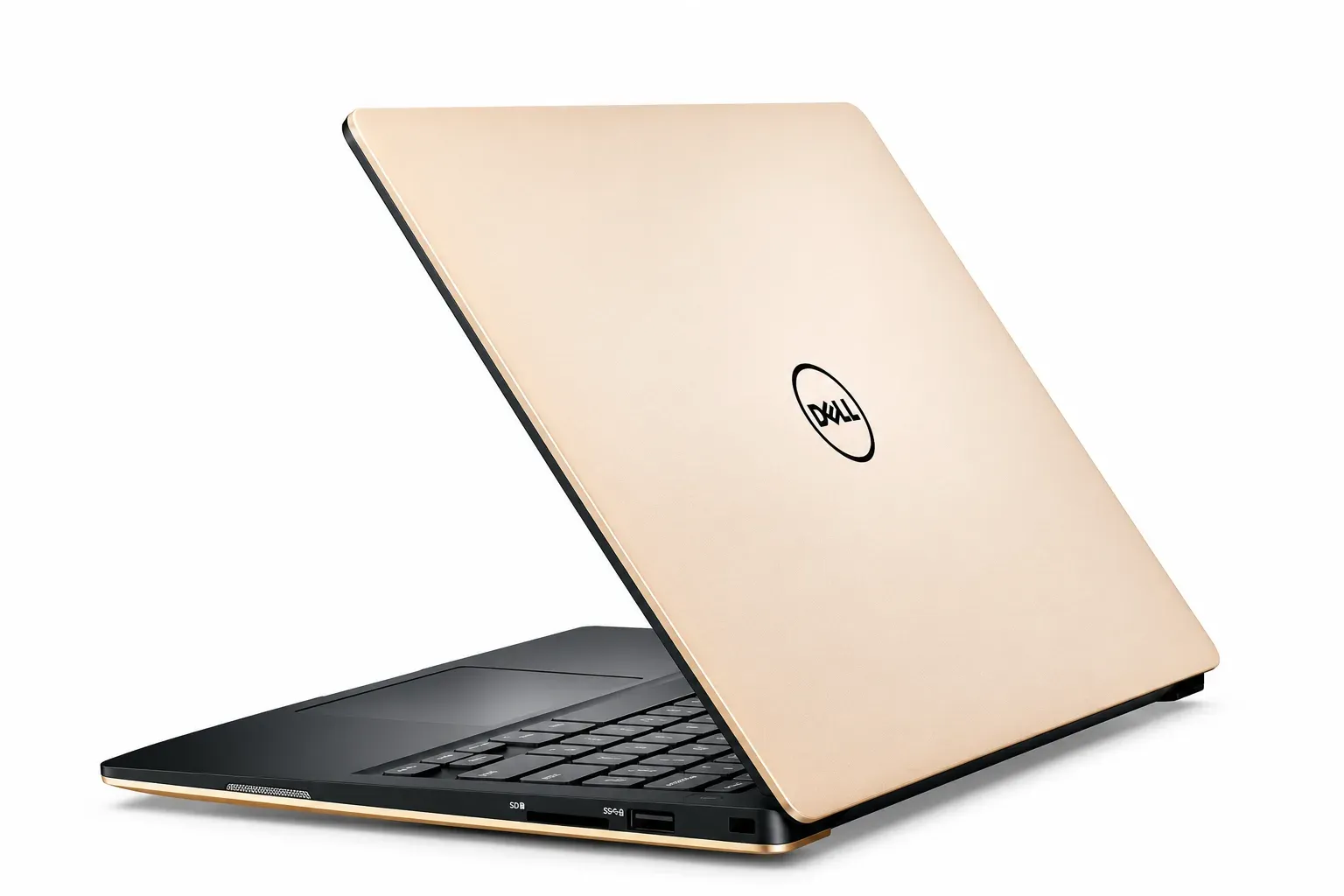
Dell Student-Friendly Lines
Dell's budget and value lines can sometimes fit this range, especially during offers. They are worth checking if you prefer Dell's build and support.
Certified Refurbished Business Laptops
For the same money, a refurbished ThinkPad, Dell Latitude or HP EliteBook from a trusted seller can give you a stronger, sturdier machine than a new budget laptop. The risks are battery wear and age, so buy only with a written warranty, a battery health check and a proper invoice.
Which Laptop for Which Student?
General college students (arts, commerce, science): an Acer Aspire, HP 15 or ASUS Vivobook with 8 to 16 GB of memory and an SSD handles reports, research and presentations well.
BCA, BSc IT, engineering and coding students: go for a Ryzen 5 or Core i5 model with 16 GB of memory if you can. A Lenovo IdeaPad Slim 3 or ASUS Vivobook is a good place to start.
Students who travel or commute daily: choose a lighter 14-inch model with good battery life and a sturdy body.
Competitive exam and online-learning students: a reliable Windows laptop with long battery life and a comfortable keyboard supports long study sessions.
Design, video editing and heavy software users: this budget can handle light creative work, but serious editing or 3D tools will want a higher budget or a dedicated graphics chip.
Can You Play Games on It?
Light and web-based games, yes. Demanding modern games, no. Laptops in this range are built for study and productivity, not gaming. If gaming matters, expect to spend more.
Warranty and After-Sales Support
A good laptop with poor support can become a headache. Before you pay, check:
• The warranty period and whether it covers the battery and charger
• Whether authorised service is available in your city
• Whether you receive a proper GST invoice
• The seller's return or replacement policy
• Whether extended warranty or accidental damage cover is offered
Mistakes Students Often Make
• Paying for looks or gaming style instead of memory and storage
• Choosing 8 GB when 16 GB is available at almost the same price
• Ignoring the processor generation and buying an old model
• Skipping the keyboard test for a laptop you will use for years
• Forgetting accessories such as a bag, mouse and cooling pad
Quick Student Checklist
• 8 GB of RAM at the very least, 16 GB if possible
• A 512 GB SSD
• Core i3 or i5, or Ryzen 5
• A Full HD screen
• A battery that lasts a college day
• A comfortable keyboard
• Written warranty and a GST invoice
Final Word
The best student laptop under ₹40,000 is the one that matches your course, feels good to use and comes with support you can reach. Compare two or three models in the same family, check the exact configuration and keep a little budget aside for a bag and a mouse.
Need help choosing? Tell us your course and budget, browse student laptops, or ask about SSD and RAM upgrades to stretch your budget further.