
How to Choose a Laptop for Programming
Choosing a laptop for programming means balancing performance, comfort, and budget. Look for a fast processor, at least 16GB RAM, an SSD, a sharp display, a good keyboard, and strong battery life to code smoothly anywhere.
By Virnobyte Team · · 4 min read
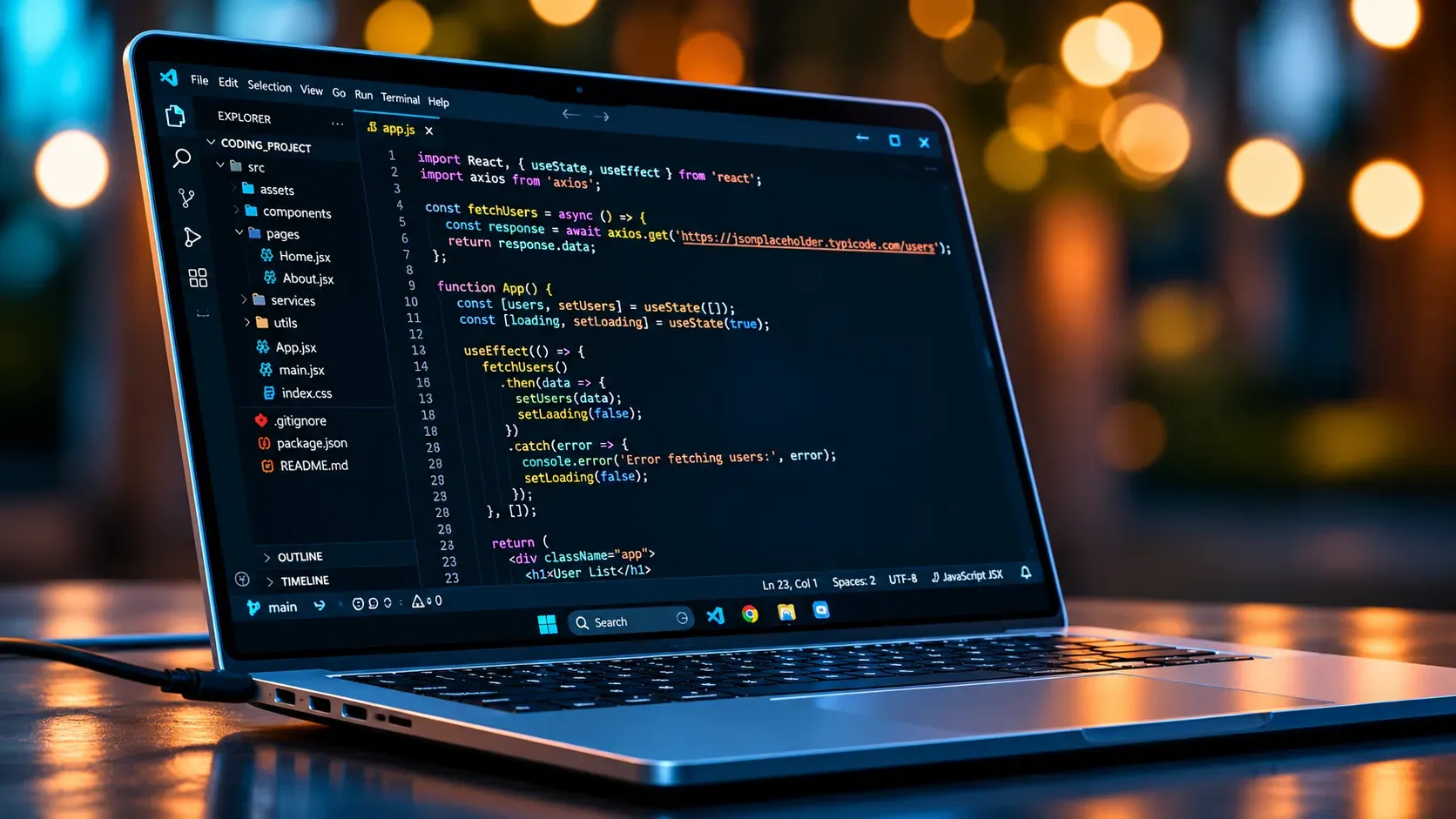
How to Choose a Laptop for Programming
A programmer’s laptop is more than a screen and a keyboard. It is the workshop where code gets written, tested, and sometimes shipped to the world. A poor choice means slow builds, cramped screens, and aching wrists, while a good one fades into the background and lets you focus on solving problems. Here is how to pick one that fits the way you actually work.
Start With Your Type of Programming
Not every developer needs the same machine. Before looking at specifications, think about what you will build.
Web developers and people learning to code can work happily on modest hardware, since editors, browsers, and small servers are not very demanding. Mobile app developers need more power because emulators eat memory and processor time. Data science and machine learning work benefits from strong processors and plenty of RAM, and sometimes a dedicated graphics card. Game developers and anyone working with 3D engines should aim even higher. Matching the laptop to your workload saves you from overspending or, worse, buying something that struggles within a year.
Processor: The Engine of Your Workflow
The CPU affects how quickly code compiles, how smoothly several tools run together, and how well virtual machines behave. For most programmers, a recent mid-range or upper mid-range chip with six or more cores is a comfortable target. Both Intel and AMD offer strong options, and Apple’s own chips in MacBooks are well regarded for combining speed with low heat. Avoid very old or ultra-low-power processors if you plan to run heavy tools, as they can make everyday tasks feel sluggish.
Memory: Do Not Skimp on RAM
Modern development environments are hungry. A code editor, a browser with many tabs, a database, and a container or emulator can fill memory quickly. Sixteen gigabytes is a sensible minimum for most developers today. If you work with Docker, virtual machines, Android emulators, or large datasets, thirty-two gigabytes will make life noticeably smoother. Check whether the RAM is soldered or upgradeable, because some thin laptops do not let you add more later.
Storage: Choose a Fast SSD
A solid state drive is non-negotiable. It speeds up boot times, project loading, and builds. Aim for at least 512GB, since operating systems, tools, libraries, and project files add up faster than expected. If you can afford 1TB, you will rarely worry about space. An NVMe drive is a good sign of quick performance.
Display: Your Eyes Will Thank You
You will stare at text for hours, so the screen deserves attention. A full HD resolution is the practical minimum, while a sharper panel makes code easier to read. Look for a screen size between 14 and 16 inches if you want room for split windows without carrying a heavy machine. Matte finishes reduce glare, and good brightness helps if you sometimes work near windows or outdoors.
Keyboard and Comfort
Because typing is the core of the job, the keyboard matters more than many buyers realize. Look for decent key travel, a clear layout, and a backlight for late-night sessions. A precise trackpad helps too, though many programmers use an external mouse. If possible, test the keyboard in a store before buying, or read detailed reviews that discuss typing feel.
Battery Life and Portability
If you code in cafes, classrooms, or while travelling, battery life becomes important. Aim for a laptop that can last a full workday on light use. Weight and size matter as well; a powerful machine that is too heavy to carry will end up stuck on one desk. Remember that performance-focused laptops with dedicated graphics tend to drain batteries faster, so decide which matters more to you.
Operating System Considerations
Your operating system shapes your tools. Windows is flexible and widely supported, and it can run Linux through built-in subsystems. macOS is popular for its Unix-based environment and is required if you want to build apps for Apple devices. Linux offers deep customization and is a favorite for backend and systems work, though hardware compatibility should be checked before buying. Pick the system that matches your projects and the tools your team uses.
Ports, Cooling, and Build Quality
Small details can affect daily comfort. Make sure the laptop has enough USB ports, a charging option you like, and ideally an HDMI or display connection for external monitors. Good cooling prevents the machine from slowing down during long compile sessions. A sturdy build also matters, since a laptop that flexes or overheats will not last long in a backpack.
Setting a Realistic Budget
You do not need the most expensive model. A well-balanced mid-range laptop with 16GB RAM, a fast SSD, and a solid processor handles most programming tasks comfortably. Spend extra on RAM, storage, and a good display before paying for flashy features you will not use. Reading recent reviews and comparing a few shortlisted models can reveal hidden weaknesses like noisy fans or poor screens.
Final Thoughts
The best laptop for programming is the one that suits your projects, your habits, and your budget. Prioritize a capable processor, enough memory, fast storage, and a comfortable keyboard and screen. Do that, and you will have a reliable partner for learning, building, and growing as a developer for years to come.