
Best PC Configuration for Video Editing
Build the best PC for video editing in India. Explore powerful processors, graphics cards, RAM, SSDs and monitors for smooth 1080p, 4K editing, rendering and content creation.
By Virnobyte Team · · 13 min read

Best PC Configuration for Video Editing in India (2026): Complete Buying Guide
Looking for the best PC configuration for video editing? Whether you create YouTube videos, Instagram Reels, wedding films, advertisements, corporate videos or professional 4K content, choosing the right computer can make a significant difference to your workflow. A powerful processor, dedicated graphics card, sufficient RAM and fast SSD storage are essential for a smooth editing experience.
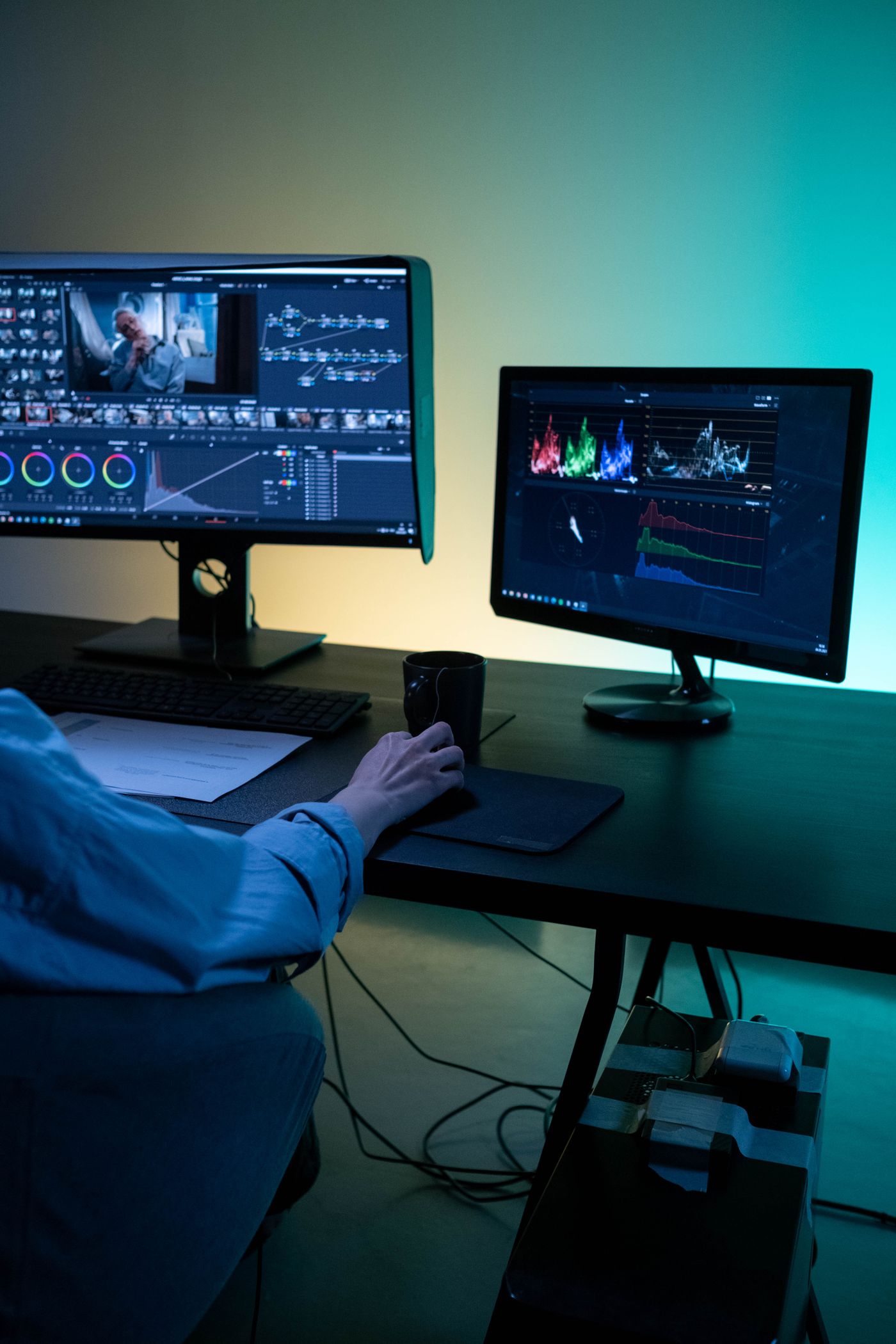
Modern editing applications such as Adobe Premiere Pro, DaVinci Resolve and After Effects require different levels of processing power depending on your projects. Editing Full HD videos is generally less demanding than working with 4K footage, complex visual effects, colour grading and multiple video layers.
In this guide, we explain how to choose the best video editing PC in India, compare configurations for different budgets and understand which components matter most.
About Virnobyte: Virnobyte Private Limited has its head office in Pune, Maharashtra, a strong presence in Karnataka and Goa, and serves customers and businesses across India through its computer hardware, workstation and IT service offerings.
1. What Makes a Good Video Editing PC?
A good video editing computer should provide balanced performance across several components. Buying an expensive graphics card while using insufficient RAM or slow storage may not deliver the performance you expect.
- Processor (CPU): Handles video processing, timeline operations and many export tasks.
- Graphics card (GPU): Accelerates supported effects, colour grading, playback and rendering.
- RAM: Helps manage large projects, multiple applications and complex timelines.
- SSD storage: Improves software loading, media access and project workflow.
- Motherboard: Connects components and provides expansion options.
- Power supply: Provides stable power to the entire system.
- Cooling: Helps maintain stable performance during long editing and rendering sessions.
2. Recommended PC Specifications for Video Editing
The right specifications depend on resolution, codec, effects and editing application. Use the following table as a practical starting point when planning your computer.
| Component | 1080p Video Editing | Professional 4K Editing |
|---|---|---|
| Processor | Modern Intel Core i5 / AMD Ryzen 5 class | Intel Core i7 / AMD Ryzen 7 class or higher |
| Graphics card | Dedicated GPU with suitable VRAM | Dedicated GPU with 8GB–16GB VRAM or more, depending on workload |
| RAM | 16GB practical starting point | 32GB recommended; 64GB for demanding projects |
| Primary storage | 1TB NVMe SSD | 1TB–2TB NVMe SSD |
| Media storage | Additional SSD or HDD as required | Separate high-speed media drive and backup storage |
| Monitor | Full HD IPS display | 1440p or 4K colour-accurate display |
| Cooling | Good CPU cooler and cabinet airflow | Enhanced cooling for sustained workloads |
Important: These are practical build targets, not universal minimum requirements. Adobe recommends 32GB or more RAM and 8GB GPU memory for its recommended Windows 4K Premiere Pro workflows. Check the official requirements for your exact editing software and version before purchasing components.
3. Best Processor for Video Editing

The processor is one of the most important parts of a video editing PC. It handles timeline calculations, decoding, encoding and other processing tasks. A stronger CPU can help with demanding projects, exports and multitasking.
Recommended processor categories
- AMD Ryzen 5: Suitable for beginner video editors and Full HD content creation.
- AMD Ryzen 7: A balanced choice for professional editing, multitasking and many 4K workflows.
- AMD Ryzen 9: Suitable for demanding workloads, heavy rendering and multiple professional applications.
- Intel Core i5: A practical choice for entry-level and intermediate video editing.
- Intel Core i7: Suitable for more demanding editing and content creation.
- Intel Core i9: Consider for intensive editing, rendering and professional production workflows.
Our recommendation: For a balanced editing workstation, consider a modern Ryzen 7 or Intel Core i7-class processor. Intel processors with Quick Sync can also be useful in supported media workflows. Compare the exact CPU's performance, core count and media engine support in your chosen application.
4. Best Graphics Card for Video Editing
The graphics processing unit (GPU) accelerates supported video effects, colour grading, playback and rendering tasks. It is especially important for applications such as DaVinci Resolve and GPU-accelerated workflows in Premiere Pro.
NVIDIA GeForce RTX graphics cards
- Suitable for many video editing and content creation workflows.
- CUDA acceleration is supported by many creative applications.
- NVIDIA NVENC can accelerate supported video encoding and export formats.
- Choose sufficient VRAM for your project resolution and effects.
AMD Radeon graphics cards
- Can provide strong graphics performance in supported creative applications.
- Compare GPU acceleration and encoding support in your chosen software.
- Consider VRAM, power consumption and total system cost.
Professional graphics cards
Professional workstation GPUs may be suitable for specialised production environments that require professional drivers, certified applications or particular graphics features.
GPU recommendation: For many editors, an NVIDIA GeForce RTX card with 8GB or more VRAM is a useful starting point for a 4K-oriented workstation. Complex effects, noise reduction, high-resolution footage and AI tools may benefit from more VRAM.
5. How Much RAM Is Required for Video Editing?
RAM is important when working with large video files, multiple timelines, visual effects and several applications at the same time.
| RAM capacity | Suitable workload |
|---|---|
| 8GB | Very basic editing only; not recommended for a new editing PC. |
| 16GB | Entry-level Full HD editing and simple projects. |
| 32GB | Recommended starting point for professional 4K editing. |
| 64GB | Complex timelines, heavy effects and advanced multitasking. |
| 128GB | Specialised production, large projects and demanding After Effects workflows. |
Our recommendation: Choose 32GB RAM for a new professional video editing PC. If you regularly work with After Effects, multiple 4K streams, high-resolution footage or complex motion graphics, consider 64GB or more.
6. Best SSD and Storage Configuration

Video files can consume a large amount of storage, especially when recording in 4K or using high-bitrate formats. A well-planned storage setup makes project management easier.
Recommended storage arrangement
- Drive 1 – Operating system: 500GB or 1TB NVMe SSD for Windows and editing applications.
- Drive 2 – Active projects: 1TB or 2TB NVMe SSD for current video footage and project files.
- Drive 3 – Archive: Additional SSD or HDD for completed projects and older footage.
- Backup: External drive or NAS for a separate copy of important files.
Keeping operating-system files, active media and backups organised can make your workflow easier. For important projects, follow a proper backup routine instead of depending on a single storage drive.
7. Best Motherboard for Video Editing PC
The motherboard connects the processor, RAM, graphics card, SSDs and other hardware. Select a model that supports your chosen processor and offers enough expansion for future upgrades.
- Compatibility with the selected processor and socket.
- Support for DDR4 or DDR5 memory as required.
- Enough RAM slots for future expansion.
- Multiple M.2 NVMe SSD slots.
- PCIe expansion for graphics and additional cards.
- Good power delivery and cooling.
- USB connectivity for external drives, cameras and editing accessories.
- 2.5Gb Ethernet or faster networking where large files are transferred over a network.
8. Best Power Supply for a Video Editing PC
A reliable power supply is essential for a workstation with a powerful processor and dedicated graphics card.
- Select PSU wattage according to the GPU and CPU manufacturer's recommendations.
- Choose a reputable manufacturer and reliable product series.
- Check the graphics card's power connector requirements.
- Look for appropriate electrical protections.
- Consider future component upgrades before selecting capacity.
- Do not compromise PSU quality to save money.
9. Cooling and Cabinet Selection
Video editing and rendering can keep the processor and graphics card under heavy load for extended periods. Proper cooling helps the workstation maintain stable performance.
- Choose a cabinet with good airflow.
- Use a suitable CPU air cooler or liquid cooler.
- Provide sufficient intake and exhaust fans.
- Check graphics card and CPU cooler clearance.
- Keep dust filters and fans clean.
- Organise cables to improve airflow.
10. Recommended Video Editing PC Configurations
These configurations provide a practical starting point for different editing requirements. Exact component models should be selected according to current prices, software compatibility and availability.
| Component | Budget Editing PC | Professional Editing PC | Advanced 4K Workstation |
|---|---|---|---|
| Processor | Ryzen 5 / Core i5 class | Ryzen 7 / Core i7 class | Ryzen 9 / Core i9 class or higher |
| Graphics card | Entry dedicated GPU | Mid-range RTX / Radeon GPU | High-performance GPU with larger VRAM |
| RAM | 16GB | 32GB | 64GB or more |
| Storage | 1TB NVMe SSD | 1TB–2TB NVMe SSD | 2TB NVMe plus separate media storage |
| Monitor | Full HD IPS | 1440p IPS with good colour coverage | 4K colour-accurate display |
| Best for | Reels, YouTube and Full HD videos | Professional editing and many 4K projects | Complex 4K production, effects and rendering |
11. Best Monitor for Video Editing
A good monitor is important for editing, colour correction and reviewing the final video. The display should provide accurate colours and comfortable viewing for long working sessions.
- Full HD IPS monitor: Suitable for beginner video editing.
- 1440p IPS monitor: Provides more workspace for professional editing timelines.
- 4K monitor: Useful for reviewing high-resolution footage and detailed editing.
- Colour accuracy: Look for reliable sRGB coverage and, where needed, wider colour gamut support.
- Calibration: Use a suitable calibration tool for colour-critical work.
Do not select a monitor based only on resolution. Colour accuracy, brightness uniformity, panel quality and calibration support are also important.
12. Which PC Is Best for Different Editing Software?
Adobe Premiere Pro
Premiere Pro benefits from a balanced CPU, GPU and RAM configuration. Hardware decoding and encoding support can also improve performance with supported media formats.
DaVinci Resolve
DaVinci Resolve makes extensive use of GPU resources for colour grading, effects and other processing tasks. A capable graphics card and sufficient VRAM are important for demanding projects.
Adobe After Effects
After Effects can benefit from a strong CPU, plenty of RAM and fast storage. Complex compositions, motion graphics and multiple effects may require more memory and processing power.
CapCut Desktop
CapCut can be used for social media videos, short-form content and general editing. A modern mid-range processor, 16GB RAM and an SSD are a practical starting point for many projects.
13. Common Mistakes When Building a Video Editing PC
- Choosing a powerful GPU but insufficient RAM.
- Buying only one small SSD for all video footage.
- Ignoring processor performance and media encoding support.
- Choosing a low-quality power supply.
- Ignoring cooling and cabinet airflow.
- Buying an expensive monitor without checking colour accuracy.
- Not checking editing software requirements before purchasing components.
- Forgetting backup storage for important projects.
- Spending too much on RGB accessories instead of performance hardware.
14. Custom Video Editing PC Building and IT Services by Virnobyte
Virnobyte Private Limited provides computer hardware solutions, custom workstation consultation, desktop and laptop sales, repair support and IT services. We help content creators, video editors, studios, businesses and professionals plan suitable computer configurations according to their software requirements, workloads and budgets.
Our services include:
- Custom Video Editing PC Building: Workstation configurations for YouTube creators, video editors, studios and production professionals.
- 4K Editing Workstations: Custom hardware planning for high-resolution footage, colour grading and rendering workloads.
- PC Upgrades: Processor, graphics card, RAM, SSD, cooling and power supply upgrades.
- Computer and Laptop Repair: Hardware diagnosis, troubleshooting and repair support.
- New and Refurbished Computers: Desktop and laptop solutions based on availability and customer requirements.
- Data Storage and Backup: SSD, HDD, NAS and backup solutions.
- Networking Solutions: LAN, Wi-Fi, router configuration and cable management.
- CCTV Installation: Camera installation and surveillance solutions.
- IT AMC Services: Annual maintenance and IT support for offices and businesses.
- Computer Accessories: Keyboards, mice, storage devices, cables and other accessories.
15. Virnobyte's Presence Across India
Virnobyte Private Limited is committed to supporting customers and businesses across India with computer hardware, custom PC solutions, workstation configurations and IT services. Our company has its head office in Pune, Maharashtra, a strong presence in Karnataka and Goa, and provides services to customers across Pan India.
Pune, Maharashtra – Head Office
Our head office is located in Chikhali, Pune. We support customers in Chikhali, Jadhavwadi, Pimpri-Chinchwad, Moshi, Bhosari, Duddulgaon and nearby areas.
Services include custom video editing PC building, workstation consultation, computer and laptop repair, hardware upgrades, refurbished computer sales, networking and business IT support.
Karnataka – Strong Presence
Virnobyte has a strong presence in Karnataka and welcomes enquiries from individuals, professionals and businesses for computer hardware, custom workstation configurations, PC upgrades and IT services.
Goa – Strong Presence
We have a strong presence in Goa and support customer enquiries for video editing workstations, computer hardware, desktop and laptop solutions, product requirements and IT support services.
Pan India – Nationwide Service
Virnobyte also serves customers across India. We welcome enquiries for workstation recommendations, hardware solutions, product requirements, remote technical assistance and project-based IT services.
Our service approach is designed to support customers beyond our head-office location. Remote assistance, product supply, delivery and on-site services are arranged according to the customer's location, service requirements and project feasibility.
Whether you are based in Pune, Karnataka, Goa or another part of India, contact Virnobyte to discuss your editing software, video resolution, project requirements and budget.
16. Frequently Asked Questions
Which processor is best for video editing?
Modern AMD Ryzen 7 and Intel Core i7-class processors are strong categories to consider for professional editing. The best choice depends on your editing application, media formats and workload.
How much RAM is required for 4K video editing?
32GB is a recommended starting point for many 4K editing workflows. Consider 64GB or more for complex effects, After Effects projects and demanding multitasking.
Is a graphics card necessary for video editing?
A dedicated GPU is highly recommended for many modern editing workflows, particularly colour grading, GPU-accelerated effects and demanding 4K projects.
Is an NVIDIA graphics card good for video editing?
Yes. NVIDIA GeForce RTX cards offer CUDA and NVENC features supported by many creative applications. Check compatibility with your editing software and media formats.
Is a 1TB SSD enough for video editing?
A 1TB SSD is a useful starting point, but video files can consume storage quickly. Professional editors may benefit from separate media storage and backup drives.
Can I use a gaming PC for video editing?
Yes. A gaming PC with a powerful processor, dedicated graphics card, sufficient RAM and fast SSD storage can also be suitable for video editing.
Where is Virnobyte Private Limited's head office?
Virnobyte Private Limited has its head office at Sadichha Complex, Sawtamali Temple Road, Jadhavwadi, Chikhali, Pune, Maharashtra, India.
Does Virnobyte have a presence in Karnataka and Goa?
Yes. Virnobyte has a strong presence in Karnataka and Goa and welcomes enquiries for computer hardware, workstation solutions and IT services.
Does Virnobyte provide services across India?
Yes. Virnobyte serves customers across Pan India. Service arrangements, product delivery, remote assistance and on-site availability depend on the customer's location and service requirements.
Build Your Video Editing Workstation with Virnobyte
Need a powerful PC for Adobe Premiere Pro, DaVinci Resolve, After Effects or professional 4K video editing? Contact Virnobyte to discuss your requirements and plan the right configuration.
VIRNOBYTE PRIVATE LIMITED
Technology • Innovation • Trust
Head Office: Sadichha Complex, Sawtamali Temple Road, Jadhavwadi, Chikhali, Pune – 411062, Maharashtra, India
Presence: Pune, Maharashtra | Karnataka | Goa | Pan India
Phone: 8669883332
Email: info@virnobyte.com
Website: www.virnobyte.com