
How Much RAM Do You Really Need in a Laptop?
Find out how much RAM you really need in a laptop. Learn what 8 GB, 16 GB and 32 GB mean for study, office work, coding and creative tasks, so you can buy the right amount without overspending.
By Virnobyte Team · · 4 min read
How Much RAM Do You Really Need in a Laptop?
A simple guide to buying the right amount of memory, without overspending
What Is RAM?
RAM is your laptop’s short-term workspace. Whatever you are using right now, such as a browser, a spreadsheet or a video call, sits in RAM so the laptop can reach it quickly.
Think of it as a desk. A bigger desk lets you keep more things open without piling them up. When the desk is full, the laptop slows down.
RAM is not the same as storage. Storage (your SSD) is the cupboard where files are kept. RAM is the desk where you work.
Why the Right Amount Matters
Too little RAM makes a laptop slow, laggy and frustrating, even if the processor is good. Too much RAM costs extra money for memory you may never use.
The goal is to buy enough for your work, plus a little room for the next few years.
How Much RAM for Each Kind of User?
4 GB: Too Little Today
Only very basic use is possible, such as one browser tab at a time. Most modern laptops and apps need more, so avoid it unless the laptop is only for emergencies.
8 GB: The Minimum
8 GB is fine for:
Browsing and watching videos
Online classes
Word documents and light spreadsheets
Email and basic presentations
If you keep many tabs and apps open, you may feel it slow down. Treat 8 GB as the starting point, not the comfortable choice.
16 GB: The Best Choice for Most People
16 GB suits most students, professionals and business owners. It handles:
Many browser tabs at once
Video calls while working on other files
Large spreadsheets and accounting software
Coding tools and programming practice
Light photo editing
If you are buying a laptop to last three to five years, 16 GB is the safest pick.
32 GB: For Heavy Work
32 GB is useful if you:
Edit videos or work with large photo files
Run virtual machines
Do 3D design or CAD work
Work with very large data files
Use several heavy programs together
Most people don’t need this much. Only pay for it if your work needs it.
64 GB and More
This is for specialists such as video professionals, data scientists and engineers. Everyday users can skip it.
Quick Guide
What you do RAM to choose
Browsing, classes, light office work 8 GB
Everyday work, many tabs, coding, accounting 16 GB
Video editing, design, virtual machines 32 GB
Professional heavy workloads 64 GB or more
Signs You Don’t Have Enough RAM
The laptop slows down when you open many tabs
Switching between apps feels slow
Programs freeze or close without warning
Your laptop feels fine at first but lags after a few hours of work
Sometimes slowness comes from other causes, such as an old hard drive, too many startup programs or a virus. A technician can check the real cause before you spend money.
Can You Add More RAM Later?
It depends on the laptop.
Upgradeable RAM: Some laptops have a slot where you can add or replace memory.
Soldered RAM: In many slim laptops, memory is fixed to the board and cannot be changed.
This is why you should check before buying. If the RAM is soldered, buy the higher amount right away, because you can’t upgrade it later. If it is upgradeable, you can start with 8 GB and increase it when needed.
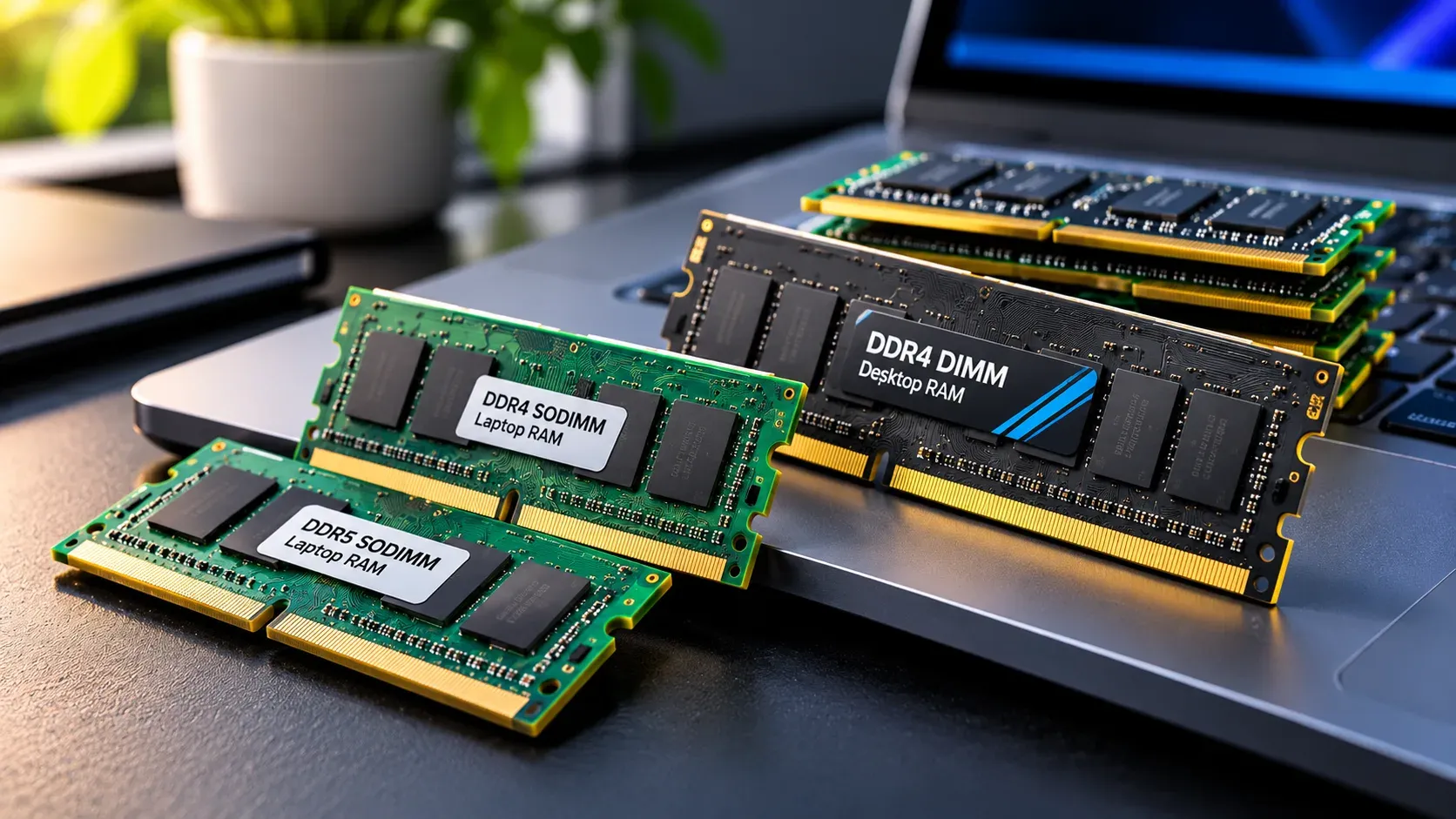
Also check how many memory slots the laptop has and what type of RAM it uses, because not every memory stick fits every laptop.
Does Faster RAM Matter?
RAM speed does make a small difference, but the amount of RAM matters much more for everyday work. Choose enough capacity first and think about speed second.
Common Mistakes to Avoid
Buying 8 GB when 16 GB costs only a little more
Paying for 32 GB when your work doesn’t need it
Ignoring whether the RAM can be upgraded
Blaming RAM for a slow laptop without checking storage and software
Choosing a big RAM number but a very weak processor
RAM works together with the processor and SSD. A balanced laptop beats one with a single large number.
Quick Checklist
Choose 16 GB if you can
Use 8 GB only for light, basic work
Go to 32 GB only for heavy creative or technical tasks
Check whether the RAM is soldered or upgradeable
Pair your RAM with an SSD and a recent processor
Need Help With RAM?
If your laptop feels slow or you want to know whether a RAM upgrade is possible, a technician can check your model and tell you honestly what will help. Virnobyte offers laptop and desktop hardware services, including memory upgrades, component replacement and system optimisation.
Final Word
For most people, 16 GB is the sweet spot. It keeps your laptop smooth today and useful for years. Choose 8 GB only if your work is light, and spend on 32 GB only if your software demands it.
Before you buy, check the exact configuration, find out whether the RAM can be upgraded and match the amount to the work you actually do.