
Intel vs AMD Processors: Which Is Better?
Intel and AMD compete closely in CPUs. Intel often leads in single-core speed and software compatibility, while AMD offers more cores, better value, and strong power efficiency. The best choice depends on your budget and needs.
By Virnobyte Team · · 3 min read
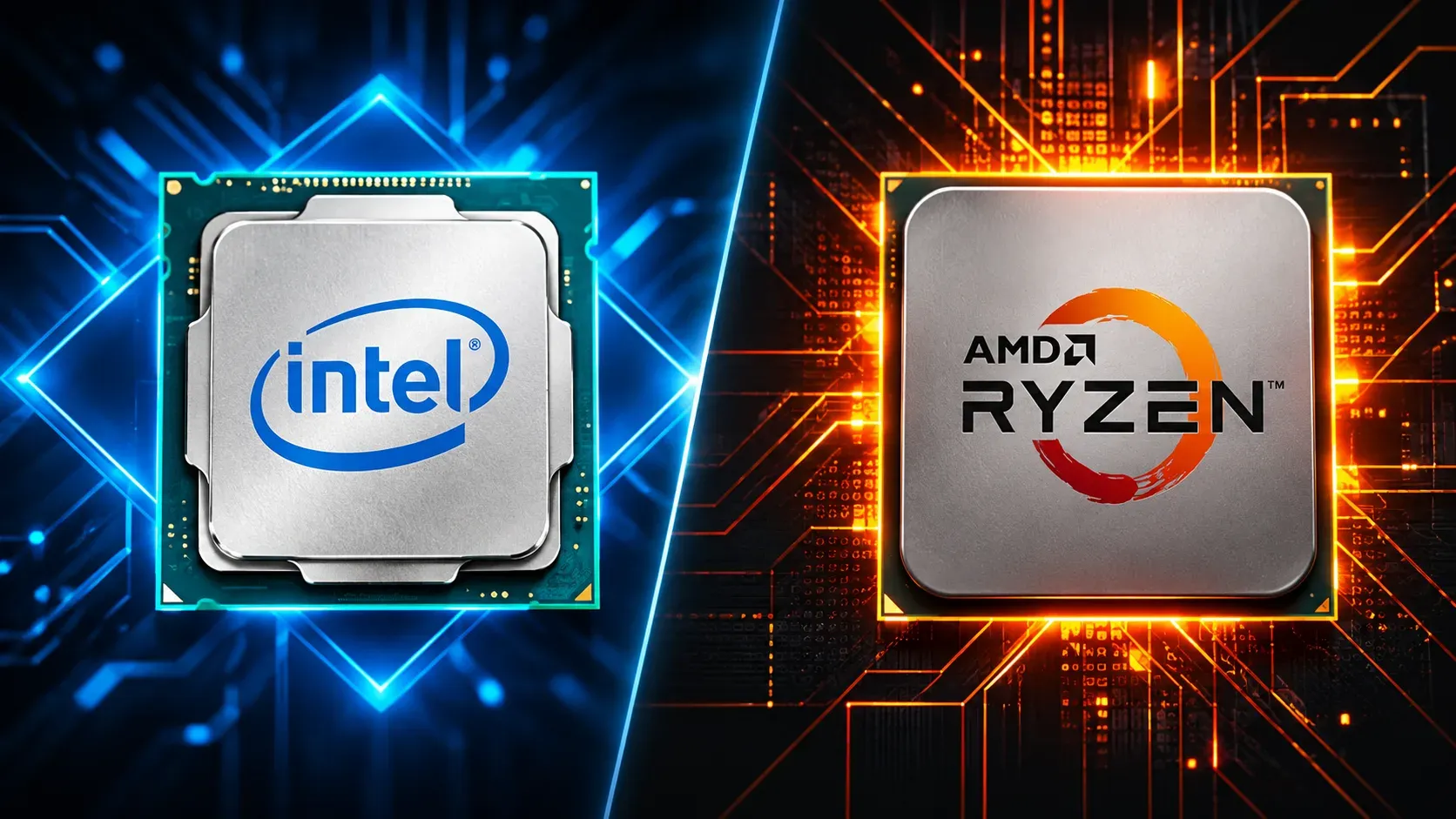
Intel vs AMD Processors: Which Is Better?
Few rivalries in technology have lasted as long, or shaped the machines on our desks as much, as the one between Intel and AMD. Whether you are building a gaming rig, buying a laptop for college, or setting up a workstation for video editing, the processor inside decides how smooth your experience will feel. So which brand deserves your money? The honest answer is that it depends on what you do with your computer.
Two Different Philosophies
Intel has spent decades focusing on strong per-core performance and tight relationships with software developers and laptop makers. Its recent designs mix high-performance cores with smaller efficiency cores, so the chip can sprint through demanding tasks and then idle gently when you are only browsing or typing.
AMD took a different road. Its Ryzen line pushed hard on core counts and on chiplet-based manufacturing, where several small pieces of silicon are combined into one processor. This approach helped AMD offer many cores at competitive prices, and it also made production more flexible.
Gaming Performance
For gamers, the difference between the two is often smaller than marketing suggests. Most games depend heavily on a few fast cores and on the graphics card, so both brands deliver excellent frame rates at common resolutions. AMD’s processors with extra stacked cache have earned a strong reputation in games that love fast memory access, such as simulation and strategy titles. Intel’s top chips respond well to high clock speeds and can shine in esports titles where every extra frame counts.
If you play at 1440p or 4K, your graphics card matters far more than the CPU, and either brand will serve you well.
Productivity and Creative Work
Video rendering, 3D modelling, code compilation, and virtual machines all benefit from having many cores working at once. This is where AMD has traditionally offered excellent value, giving buyers more threads for the same money. Intel counters with built-in hardware features such as media encoding engines, which can speed up certain editing and streaming workflows even without a dedicated graphics card.
Power Use and Heat
Efficiency matters for both electricity bills and comfort. AMD’s recent chips are generally praised for delivering strong performance while drawing modest power, which keeps cooling simpler and laptops quieter. Intel’s flagship desktop processors can pull a lot of power under heavy load, so they may need a better cooler. In thin laptops, though, Intel’s efficiency cores help stretch battery life during light tasks, and the gap between brands varies by model.
Price and Platform Longevity
AMD has often supported its motherboard sockets for several processor generations, letting owners upgrade the CPU without replacing the entire board. Intel has tended to change sockets more frequently, which can raise the cost of a future upgrade. On the other hand, Intel chips and boards are widely available in prebuilt systems, and you will find more laptop choices with Intel inside in many regions.
Which Should You Choose?
Choose AMD if you want strong multitasking, good efficiency, and a platform that is easier to upgrade later.
Choose Intel if you value high single-core speed, broad laptop availability, and built-in media features.
Look at the specific model, not just the brand. A well-priced mid-range chip from either company often beats an expensive one that does not match your needs.
Final Thoughts
There is no permanent winner in the Intel versus AMD debate. Each company leads in some areas and trails in others, and these positions change with every new generation. Before buying, compare current reviews and benchmarks for the exact processors you are considering, set a budget, and think about how you actually use your computer. The best processor is simply the one that fits your tasks, your price range, and your plans for the future.