
Best Refurbished Laptops for Work From Home
Discover the best refurbished laptops for work from home in India. Compare Dell, HP and Lenovo models for video calls, multitasking, online meetings, office work and remote productivity.
By Virnobyte Team · · 18 min read
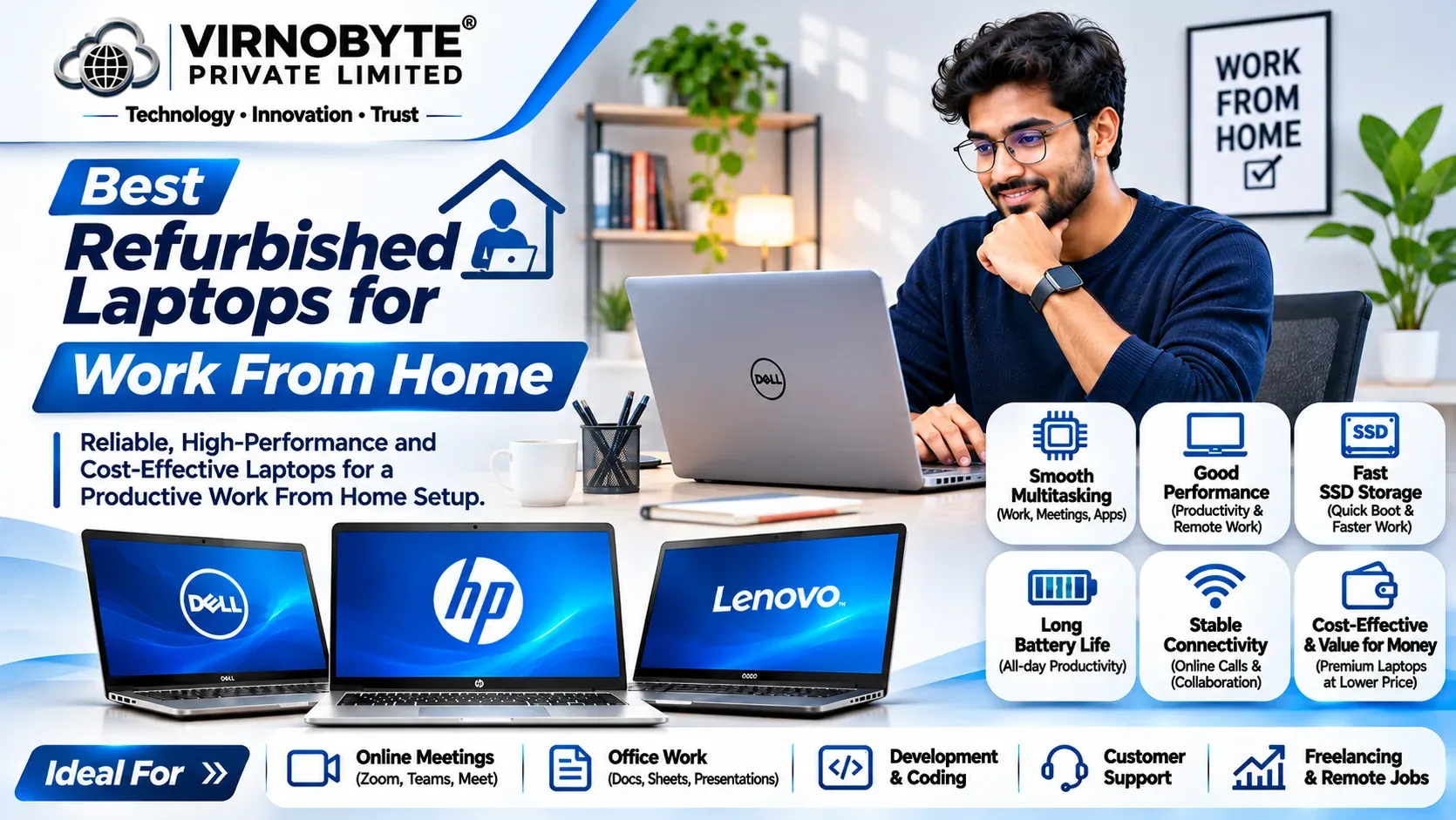
Best Refurbished Laptops for Work From Home in India
Find the right refurbished laptop for remote work, online meetings, video calls, office applications and everyday productivity without overspending.
Work from home has become an important part of modern working life. Employees, freelancers, business owners and remote professionals depend on laptops for online meetings, emails, document preparation, presentations, spreadsheets and daily office tasks.
Choosing the right laptop is important because a slow computer, poor battery, uncomfortable keyboard or unreliable webcam can affect your productivity. However, you do not always need to spend a large amount on a brand-new laptop.
A properly inspected refurbished business laptop can be a practical option for working from home. Business laptop ranges from Dell, HP and Lenovo offer different processor configurations, memory options and connectivity features suitable for remote working.
In this article, we will explore popular refurbished laptop models, recommended specifications, video conferencing requirements and important checks to complete before purchasing.

1. What Should You Look for in a Work From Home Laptop?
A work from home laptop should handle your daily tasks without unnecessary delays. Your requirements may vary depending on whether you attend video meetings, work with spreadsheets, develop software or manage business operations.
Processor (CPU)
The processor affects how quickly your laptop handles applications, browser tabs, video calls and multitasking.
- Intel Core i3: Suitable for basic office applications, emails, browsing and light remote work, depending on the generation.
- Intel Core i5: A practical option for most remote professionals who use video meetings, spreadsheets and multiple applications.
- Intel Core i7: Worth considering for demanding multitasking and heavier professional applications.
- AMD Ryzen 5: A good option for everyday productivity and multitasking.
- AMD Ryzen 7: Suitable for more demanding workloads, depending on the exact model.
RAM (Memory)
RAM helps your laptop run several applications together. For example, you may have Microsoft Teams, Google Chrome, Excel, email and a presentation open at the same time.
| RAM | Suitable for |
|---|---|
| 8GB | Basic remote work, browsing, emails, document editing and light video meetings. |
| 16GB | Recommended for regular multitasking, online meetings, spreadsheets and office applications. |
| 32GB | Useful for demanding applications, large spreadsheets, virtual machines and heavier workloads. |
For most work from home users, 16GB RAM is a comfortable target. If your budget is limited, an 8GB laptop may still be suitable for basic tasks, provided the applications you use can run comfortably.
SSD Storage
SSD storage improves startup times and application loading compared with traditional mechanical hard drives. It also makes everyday file access more responsive.
- 256GB SSD: Suitable for basic remote work and document storage.
- 512GB SSD: A practical choice for most professionals.
- 1TB SSD: Useful for users who store large files, projects and offline work documents.
Webcam and Microphone
Video calls are an important part of remote working. Before purchasing a refurbished laptop, test the built-in webcam and microphone.
- Check whether the webcam produces a clear image.
- Test the microphone for clear voice capture.
- Check speaker output and headphone connectivity.
- Confirm compatibility with your meeting applications.
Display and Keyboard
Working from home often means spending several hours in front of a screen. A comfortable display and keyboard can improve your everyday experience.
- Prefer a Full HD display (1920 × 1080) where possible.
- A 14-inch laptop is convenient for portability.
- A 15.6-inch display provides a larger workspace.
- Check brightness, viewing angles and screen condition.
- Test all keyboard keys and the touchpad.
2. Best Refurbished Dell Laptops for Work From Home
Dell Latitude laptops are business-oriented machines worth considering for remote working. They are available in different configurations and can support common office applications, online meetings and multitasking.

Dell Latitude 5400
The Dell Latitude 5400 commonly comes with 8th Generation Intel Core processor options. It can be considered for basic remote working when the individual laptop is in good condition.
- Suitable for emails, documents and basic office applications.
- Can handle everyday video meetings with compatible software and a stable internet connection.
- Look for an SSD and preferably 16GB RAM.
- Check battery health, webcam and microphone.
Best for: Basic work from home and office productivity.
Dell Latitude 5410
The Latitude 5410 commonly features 10th Generation Intel Core processor options. It can be a practical choice for professionals who regularly use office applications.
- Suitable for Microsoft Office, browser applications and video meetings.
- Look for 16GB RAM for comfortable multitasking.
- Check the exact processor, SSD capacity and display configuration.
Best for: Remote employees, freelancers and office professionals.
Dell Latitude 5420
The Latitude 5420 commonly comes with 11th Generation Intel Core processor options. It is worth considering if you want a newer processor platform in a refurbished business laptop.
- Suitable for multitasking and regular online meetings.
- Can handle spreadsheets, presentations and business applications.
- Check battery condition and available connectivity ports.
Best for: Professionals who use several applications together.
Dell Latitude 7420
The Latitude 7420 is a premium business laptop commonly equipped with 11th Generation Intel Core processors. Its portable design can be useful for professionals who work from different locations.
- Suitable for everyday remote work and productivity.
- Useful for professionals who travel frequently.
- Check the RAM configuration carefully because memory is soldered on many versions.
Best for: Remote professionals who value portability.
3. Best Refurbished HP Laptops for Work From Home
HP EliteBook and ProBook laptops are designed for business and productivity. They are worth considering for employees and freelancers who need a laptop for meetings, documents, presentations and everyday office applications.
HP EliteBook 840 G6
The EliteBook 840 G6 commonly comes with 8th Generation Intel Core processor options. It can be suitable for basic remote work and office productivity.
- Suitable for emails, documents and light multitasking.
- Can handle basic online meeting tasks.
- Check webcam, microphone, battery and keyboard condition.
Best for: Students, beginners and basic remote office work.
HP EliteBook 840 G7
The EliteBook 840 G7 commonly features 10th Generation Intel Core processor options. It can be a practical business laptop for regular remote working.
- Suitable for video calls and office applications.
- Useful for browser-based tools and spreadsheets.
- Look for 16GB RAM and SSD storage.
Best for: Freelancers and remote employees.
HP EliteBook 840 G8
The EliteBook 840 G8 commonly comes with 11th Generation Intel Core processor options. It is worth comparing with other business laptop models in the same category.
- Suitable for multitasking and regular video meetings.
- Useful for presentations, spreadsheets and office tools.
- Check memory configuration, battery and display condition.
Best for: Professionals who need a portable everyday work laptop.
HP ProBook 440 and 450 Series
HP ProBook laptops are designed for everyday business productivity. Depending on the generation, they may offer Intel or AMD processor configurations.
- Suitable for office applications and remote work.
- The 450 series generally provides a larger display than the 440 series.
- Compare processor generation, RAM and storage.
Best for: Home offices and small businesses.
4. Best Refurbished Lenovo ThinkPad Laptops for Remote Work
Lenovo ThinkPad laptops are popular business machines. Their keyboard design, practical connectivity and range of configurations make them worth considering for professionals who work from home.

Lenovo ThinkPad T480
The ThinkPad T480 is commonly available with 8th Generation Intel Core processor options. It can be considered for basic remote working and office tasks.
- Suitable for emails, documents and basic video meetings.
- Some configurations offer memory upgrade flexibility.
- Check battery condition, webcam and keyboard.
Best for: Basic remote work and everyday productivity.
Lenovo ThinkPad T490
The ThinkPad T490 commonly features 8th Generation Intel Core processor options. Its compact business design can be convenient for professionals who need portability.
- Suitable for office applications and online meetings.
- Check exact RAM configuration and upgrade options.
- Prefer a Full HD display where available.
Best for: Professionals who travel or work from multiple locations.
Lenovo ThinkPad T14 Gen 1
The ThinkPad T14 Gen 1 is available in Intel and AMD configurations. Depending on the version, it may include 10th Generation Intel processors or AMD Ryzen PRO 4000 series processors.
- Suitable for everyday office work and multitasking.
- Useful for online meetings and business applications.
- Check memory layout, webcam and battery condition.
Best for: Remote professionals looking for a business laptop with a modern platform.
Lenovo ThinkPad T14 Gen 2
The ThinkPad T14 Gen 2 is available with 11th Generation Intel or AMD Ryzen PRO 5000 series options, depending on the configuration.
- Suitable for office applications and heavier multitasking.
- Compare Intel and AMD versions before purchasing.
- Check display, RAM and battery condition.
Best for: Professionals who need a newer refurbished business laptop.
5. Comparison of Popular Refurbished Laptops for Work From Home
The following table compares popular business laptop models. Processor generations are common configurations and may vary by individual unit.
| Laptop model | Common processor options | Suggested RAM | Suitable for |
|---|---|---|---|
| Dell Latitude 5400 | 8th Gen Intel Core | 8GB–16GB | Basic remote work |
| Dell Latitude 5410 | 10th Gen Intel Core | 16GB | Office applications and meetings |
| Dell Latitude 5420 | 11th Gen Intel Core | 16GB | Multitasking and remote work |
| Dell Latitude 7420 | 11th Gen Intel Core | 16GB where configured | Portable professional work |
| HP EliteBook 840 G6 | 8th Gen Intel Core | 8GB–16GB | Basic office work |
| HP EliteBook 840 G7 | 10th Gen Intel Core | 16GB | Video calls and productivity |
| HP EliteBook 840 G8 | 11th Gen Intel Core | 16GB | Multitasking and meetings |
| ThinkPad T480 | 8th Gen Intel Core options | 8GB–16GB | Basic remote work |
| ThinkPad T14 Gen 1 | 10th Gen Intel / Ryzen PRO 4000 | 16GB | Everyday productivity |
| ThinkPad T14 Gen 2 | 11th Gen Intel / Ryzen PRO 5000 | 16GB–32GB | Professional multitasking |
6. Best Laptop Specifications for Different Work From Home Jobs
Not everyone working remotely needs the same laptop. Your choice should depend on the applications and workload involved.
For Customer Support and Data Entry
Customer support and data entry work generally involve browser applications, spreadsheets, emails, customer management software and online meetings.
- Intel Core i3 or Core i5 class processor, or equivalent AMD processor.
- 8GB RAM as a starting point; 16GB for more comfortable multitasking.
- 256GB or 512GB SSD.
- Working webcam, microphone and Wi-Fi.
For Online Meetings and Virtual Assistance
Virtual assistants and remote employees may regularly use Microsoft Teams, Zoom, Google Meet, email and project management tools.
- Core i5 or Ryzen 5 class processor recommended.
- 16GB RAM for smoother multitasking.
- 512GB SSD for applications and documents.
- Good webcam and microphone performance.
For Graphic Design and Content Creation
Graphic designers and content creators may use Photoshop, Illustrator, video editing software and other demanding applications. These workloads can require stronger hardware than basic office work.
- Recent Core i5/Core i7 or Ryzen 5/Ryzen 7 class processor.
- 16GB RAM as a starting point; 32GB may be useful for demanding projects.
- SSD storage with sufficient capacity.
- Check GPU and software requirements, especially for video editing.
For Software Developers
Software developers may use code editors, browsers, databases, local servers and development tools together.
- Recent Core i5 or Ryzen 5 class processor or better.
- 16GB RAM recommended; more for demanding development environments.
- 512GB SSD or more.
- Check operating system and software compatibility.
For Accounting and Office Administration
Accounting professionals often use TallyPrime, Excel, billing software, email and online portals.
- Core i5 or Ryzen 5 class processor recommended.
- 8GB–16GB RAM depending on workload.
- 256GB–512GB SSD.
- Comfortable keyboard and reliable connectivity.
7. Why Business-Class Refurbished Laptops Are Suitable for Remote Work
Business laptops are designed for professional productivity. Many models include practical features that are useful for home offices and remote working.
- Comfortable keyboards: Useful for long hours of typing and document preparation.
- Business connectivity: Many models offer useful USB, HDMI and other ports.
- Portable designs: Several models are suitable for working from different locations.
- Memory options: Some models support RAM upgrades, depending on the configuration.
- Professional design: Suitable for office environments and client meetings.
However, the features vary between models and generations. Refurbished condition also matters, so inspect the actual laptop rather than relying only on the model name.
8. Important Accessories for a Work From Home Setup
A laptop is only one part of a productive home office. A few accessories can make remote working more comfortable.
- External mouse: Useful for daily office work and navigation.
- Headset with microphone: Helps during online meetings and calls.
- Laptop stand: Can help position the screen at a more comfortable height.
- External keyboard: Useful for longer typing sessions.
- External monitor: Provides additional screen space for spreadsheets and multitasking.
- UPS or power backup: Helps maintain work during short power interruptions, when appropriately selected.
- External storage: Useful for keeping additional copies of important files.
9. Checklist Before Buying a Refurbished Laptop for Work From Home
Before purchasing, inspect the laptop carefully. A refurbished laptop should be checked for hardware condition, connectivity and overall performance.

- Processor: Verify the exact processor model and generation.
- RAM: Check installed memory and upgrade options.
- SSD: Confirm storage capacity and inspect drive health.
- Battery: Check battery condition and charging behaviour.
- Webcam: Test image quality during a video call.
- Microphone: Check whether your voice is captured clearly.
- Speakers: Test audio output.
- Wi-Fi: Confirm stable wireless connectivity.
- Keyboard: Test all keys, including function keys.
- Touchpad: Check clicking and scrolling.
- Display: Look for dead pixels, flickering and screen damage.
- Ports: Test USB, HDMI, audio and charging ports where available.
- Charger: Confirm that the supplied charger is compatible and working.
- BIOS and security: Check for unknown BIOS passwords or organisation management locks.
- Invoice and warranty: Request a proper invoice and written warranty details.
powercfg /batteryreport. Review the design capacity and full charge capacity in the generated report. This can help identify battery wear, but it is not a complete battery diagnostic.
10. Check Operating System and Software Compatibility
Before buying an older refurbished laptop, check whether it supports an operating system suitable for your work applications.
Windows 10 standard support ended on 14 October 2025. For a new purchase in 2026, consider a laptop that meets the official Windows 11 hardware requirements or another operating system supported by your applications.
Not every older Intel Core processor is officially supported by Windows 11. A laptop that has been modified to install Windows 11 does not automatically become officially compatible.
Verify processor support, TPM 2.0, Secure Boot and other requirements using Microsoft's official information:
Microsoft Windows 11 specifications and requirements.
11. Tips to Improve Your Work From Home Experience
Even a good laptop needs a suitable working environment. Follow these practical tips to improve your remote work setup.
- Use a stable broadband or Wi-Fi connection for online meetings.
- Keep your laptop operating system and applications updated.
- Close unnecessary applications during important video meetings.
- Use a headset in noisy environments.
- Keep your laptop on a flat surface with proper ventilation.
- Back up important office documents regularly.
- Use a comfortable chair and suitable screen height.
- Protect your laptop with appropriate security software and account passwords.
12. Common Mistakes to Avoid When Buying a Refurbished Work Laptop
- Choosing only by price: A very cheap laptop may have battery, display or hardware issues.
- Ignoring the processor generation: Always verify the complete processor model.
- Buying with insufficient RAM: Consider your actual multitasking requirements.
- Ignoring the webcam: A faulty camera can create problems during online meetings.
- Not testing the microphone: Clear audio is important for remote communication.
- Ignoring battery condition: A weak battery can reduce portability.
- Not checking Wi-Fi: Test wireless connectivity before purchasing.
- Assuming every refurbished laptop has a warranty: Ask for written warranty terms.
- Ignoring software compatibility: Check whether your work applications support the operating system.
13. Frequently Asked Questions (FAQs)
1. Which refurbished laptop is best for work from home?
Dell Latitude, HP EliteBook and Lenovo ThinkPad business laptops are worth considering. Models such as the Dell Latitude 5420, HP EliteBook 840 G8 and Lenovo ThinkPad T14 Gen 2 can be suitable depending on their exact configuration and condition.
2. Is 8GB RAM enough for working from home?
8GB RAM can be enough for basic browsing, email, document editing and light office work. For regular video meetings and multitasking, 16GB RAM is a better target.
3. Is a refurbished laptop good for online meetings?
Yes, provided the webcam, microphone, speakers, Wi-Fi and operating system are working properly and compatible with your meeting application.
4. Which is better for remote work: Dell, HP or Lenovo?
All three brands offer business laptops suitable for remote work. Compare processor generation, RAM, SSD, webcam, battery condition, display and warranty rather than choosing by brand alone.
5. Is an Intel Core i5 laptop suitable for work from home?
Yes. A suitable Core i5 laptop can handle many everyday remote working tasks, including office applications, video calls, browsing and multitasking.
6. Should I choose a 14-inch or 15.6-inch laptop?
A 14-inch laptop is easier to carry, while a 15.6-inch laptop offers a larger display for spreadsheets, documents and multitasking. Choose according to your workspace and portability needs.
7. Is a 512GB SSD enough for remote work?
For most remote professionals, a 512GB SSD offers sufficient space for applications, documents and work files. Users with larger storage requirements may prefer a 1TB SSD.
8. Can I use a refurbished laptop for video conferencing?
Yes. Check the webcam, microphone, speakers, Wi-Fi and compatibility with applications such as Microsoft Teams, Zoom and Google Meet.
9. Is a refurbished business laptop better than a new budget laptop?
It depends on the exact models. A refurbished business laptop may offer useful specifications and business features, while a new laptop may provide a fresh battery and manufacturer warranty. Compare the complete package before deciding.
10. What should I check before purchasing a refurbished laptop?
Check the processor, RAM, SSD, battery, webcam, microphone, display, keyboard, Wi-Fi, charger, operating system, invoice and written warranty terms.
14. Buy Refurbished Laptops for Work From Home from Virnobyte
Looking for a refurbished laptop for remote work, online meetings, office applications or professional productivity? Selecting the right configuration can help you get a laptop that matches your daily requirements and budget.
Virnobyte Pvt. Ltd. provides computer and IT-related services in Chikhali, Pune. Contact the team to enquire about currently available refurbished laptop models, configurations, inspection details and applicable warranty terms.
Choose the Right Laptop for Your Home Office
Whether you are a remote employee, freelancer, student or business owner, find a laptop that supports your everyday work requirements.
Virnobyte Pvt. Ltd.
Technology • Innovation • Trust
Phone: 8669883332
Email: info@virnobyte.com
Website: www.virnobyte.com
Address: Sadichha Complex, Sawtamali Temple Road, Jadhavwadi, Chikhali, Pune – 411062, Maharashtra.
Final takeaway: The best refurbished laptop for work from home should offer reliable performance, sufficient RAM, SSD storage, a working webcam and microphone, stable Wi-Fi and good battery condition. For most remote professionals, a suitable Core i5 or Ryzen 5 class processor with 16GB RAM and a 512GB SSD is a practical configuration to consider.