
Best Refurbished Dell Latitude Laptops
Explore the best refurbished Dell Latitude laptops in India. Compare models, processors, RAM, SSD, battery health, prices and buying tips to choose the right laptop for your needs and budget.
By Virnobyte Team · · 13 min read
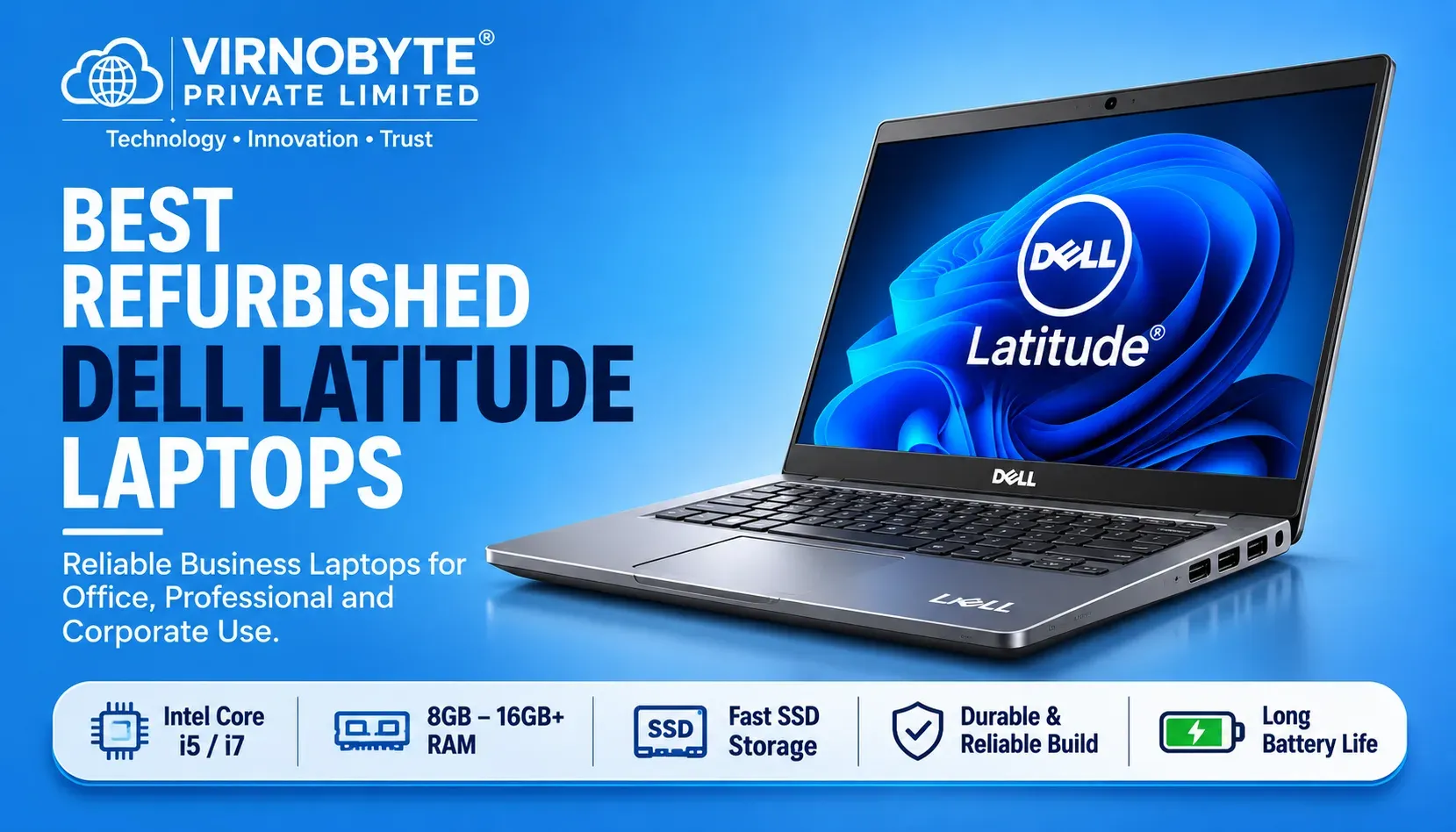
Best Refurbished Dell Latitude Laptops in India
Compare popular Dell Latitude models, processor generations, RAM, SSD storage, performance, indicative prices and important buying checks.
Dell Latitude laptops are popular among professionals, students and businesses because they are designed for productivity and everyday business use. Their professional features and different configurations also make selected Latitude models worth considering in the refurbished laptop market.
If you have a limited budget, a refurbished Dell Latitude may help you get a business-oriented laptop without paying the price of a comparable new model. You can find different configurations with Intel Core i5 and Core i7 processors, SSD storage and different RAM capacities.
But which Dell Latitude should you buy? Is the Latitude 5400 still worth considering? Should you choose the Latitude 5410, 5420 or 5430? And how much should you spend?
This guide compares popular refurbished Dell Latitude models in India and explains how to select the right laptop for your requirements.

Dell Latitude business laptops are worth comparing when looking for a refurbished professional laptop.
Why Choose a Refurbished Dell Latitude Laptop?
Dell Latitude is a business laptop family designed for professional and organisational use. Different generations offer different processor options, display sizes, connectivity features and memory configurations.
Here are some reasons buyers consider refurbished Latitude laptops:
1. Business-Oriented Design
Latitude laptops are designed for workplace productivity. Many models offer practical keyboards, useful connectivity options and professional designs.
2. Different Processor Options
You can find Latitude models with several Intel processor generations. This gives buyers choices across different budgets and performance requirements.
3. SSD Storage
Many refurbished Latitude configurations are available with SSD storage. An SSD can improve boot times and application loading compared with a traditional hard drive.
4. Suitable for Everyday Productivity
Depending on the configuration and condition, a Latitude laptop can be suitable for documents, spreadsheets, browsing, online meetings, accounting applications and programming.
5. Potential Cost Savings
A refurbished business laptop may offer a higher-tier design or configuration for less than a comparable new business laptop. However, the actual value depends on its age, condition, battery health and warranty.
Best Refurbished Dell Latitude Models to Consider
The following models are worth comparing in the Indian refurbished market. The right choice depends on the exact processor, RAM, storage, screen and physical condition of the individual laptop.
1. Dell Latitude 5400

Best for: Budget-conscious buyers and basic office work.
The Dell Latitude 5400 is an older business laptop model commonly found with 8th Generation Intel Core processors. It can be considered for basic productivity if the device is in good condition.
Common configurations to look for:
- Intel Core i5 8th Generation processors, depending on submodel.
- 8GB or 16GB RAM.
- 256GB or 512GB SSD.
- 14-inch display, with resolution varying by configuration.
Suitable for:
- MS Office and documentation.
- Internet browsing.
- Online classes and meetings.
- Basic accounting and business applications.
Things to consider: It is an older platform. Check the exact processor, battery condition and Windows 11 compatibility before buying. Do not assume every 8th Generation processor configuration is officially supported.
2. Dell Latitude 5410
Best for: Office users and everyday multitasking.
The Dell Latitude 5410 is a 10th Generation business laptop family. It can be a practical option for buyers who want a newer platform than the Latitude 5400 without moving into a higher price range.
Common configurations to look for:
- Intel Core i5 10th Generation.
- Selected Intel Core i7 10th Generation configurations.
- 8GB or 16GB RAM.
- 256GB or 512GB SSD.
- 14-inch display, depending on configuration.
Suitable for:
- Office applications.
- Business documentation.
- Web browsing and email.
- Online meetings.
- Light programming and multitasking.
Things to consider: Confirm the exact processor model, RAM upgrade options and display resolution. Check battery health because these laptops have already been used.
3. Dell Latitude 5420
Best for: Students, professionals and business users looking for an 11th Generation option.
The Dell Latitude 5420 is one of the models worth prioritising when comparing refurbished Latitude laptops. It is available with 11th Generation Intel Core processor configurations.
Common configurations to look for:
- Intel Core i5 11th Generation.
- Selected Intel Core i7 11th Generation configurations.
- 8GB or 16GB RAM, with some higher configurations available.
- 256GB or 512GB SSD.
- 14-inch display options.
Suitable for:
- Office productivity.
- Business applications.
- Programming and development.
- Online meetings.
- Everyday multitasking.
Things to consider: Check whether the laptop has upgradeable RAM or a soldered memory configuration, depending on the exact variant. Verify battery health and screen condition.
4. Dell Latitude 7420
Best for: Professionals who prefer a compact, premium business laptop.
The Latitude 7420 belongs to Dell's more premium 7000-series business range. It is designed for professional productivity and portability.
Common configurations to look for:
- Intel Core i5 11th Generation.
- Intel Core i7 11th Generation.
- 16GB RAM configurations are commonly listed.
- 256GB or 512GB SSD.
- 14-inch display options.
Suitable for:
- Business professionals.
- Frequent travellers.
- Office and remote work.
- Programming and productivity.
Things to consider: Some configurations use soldered RAM, so check the exact model before buying. Also inspect the display, battery and USB-C or Thunderbolt connectivity where available.
5. Dell Latitude 5430
Best for: Buyers looking for a newer business laptop platform.
The Dell Latitude 5430 is a 12th Generation Intel Core business laptop family. It can be an attractive choice for buyers who want a newer processor generation than the Latitude 5420.
Common configurations to look for:
- Intel Core i5 12th Generation.
- Intel Core i7 12th Generation.
- 8GB, 16GB or higher RAM configurations.
- 256GB or 512GB SSD.
- 14-inch display options.
Suitable for:
- Professional office work.
- Multitasking.
- Programming.
- Business applications.
- Longer-term everyday productivity.
Things to consider: The price may be higher than older Latitude models. Check the actual processor, RAM configuration, battery health and warranty before deciding.
6. Dell Latitude 7430
Best for: Professionals who want a premium, portable business laptop.
The Latitude 7430 is part of Dell's 7000-series business range and is available with 12th Generation Intel Core configurations.
Common configurations to look for:
- Intel Core i5 12th Generation.
- Intel Core i7 12th Generation.
- 8GB or 16GB RAM and higher configurations.
- 256GB or 512GB SSD.
- 14-inch display options.
Suitable for:
- Business professionals.
- Office productivity.
- Remote work.
- Frequent travel.
- Multitasking and development work.
Things to consider: Check the exact screen configuration and RAM upgrade limitations. A premium model with a worn battery or damaged display may not be good value.
Dell Latitude Models Compared
| Model | Typical Processor Generation | Common RAM Options | Common SSD Options | Best For |
|---|---|---|---|---|
| Latitude 5400 | 8th Gen Intel Core | 8GB / 16GB | 256GB / 512GB | Basic office work |
| Latitude 5410 | 10th Gen Intel Core | 8GB / 16GB | 256GB / 512GB | Everyday productivity |
| Latitude 5420 | 11th Gen Intel Core | 8GB / 16GB | 256GB / 512GB | Office and multitasking |
| Latitude 7420 | 11th Gen Intel Core | Often 16GB; varies by model | 256GB / 512GB | Premium portable work |
| Latitude 5430 | 12th Gen Intel Core | 8GB / 16GB and higher | 256GB / 512GB | Newer business platform |
| Latitude 7430 | 12th Gen Intel Core | 8GB / 16GB and higher | 256GB / 512GB | Premium professional use |
Note: These are examples of commonly listed configurations, not specifications guaranteed for every unit. Exact processor models, RAM type, upgrade options, display and storage vary by configuration.
Refurbished Dell Latitude Laptop Prices in India
Prices depend on the laptop's generation, processor, RAM, SSD capacity, physical condition, battery health, warranty and seller. The following table gives broad budget-planning ranges for comparing refurbished units. These are not fixed market rates or Virnobyte quotations.
| Dell Latitude Model | Broad Indicative Budget | What to Compare |
|---|---|---|
| Latitude 5400 | ₹18,000–₹28,000 | Processor, battery and overall condition |
| Latitude 5410 | ₹23,000–₹35,000 | Core i5/i7, RAM and SSD |
| Latitude 5420 | ₹27,000–₹45,000 | 11th Gen processor and battery health |
| Latitude 7420 | ₹30,000–₹50,000 | Premium build, RAM and display |
| Latitude 5430 | ₹35,000–₹55,000 | 12th Gen processor and configuration |
| Latitude 7430 | ₹38,000–₹60,000 | Premium features and actual condition |
These ranges are approximate planning estimates, not guaranteed selling prices. Actual listings may be lower or higher. Check multiple sellers and compare the exact configuration before buying.
Which Dell Latitude Should You Buy According to Your Budget?
Budget around ₹20,000–₹25,000
Explore selected Latitude 5400 configurations. Look for an SSD, at least 8GB RAM and a healthy battery. Check operating system compatibility carefully because older processor models may not meet Windows 11 requirements.
Budget around ₹25,000–₹35,000
Compare Latitude 5410 and selected Latitude 5420 configurations. These can be useful options for office work, browsing, online meetings and everyday productivity.
Budget around ₹35,000–₹45,000
Explore Latitude 5420, 7420 and selected 5430 models. Compare the processor generation, RAM, SSD and battery condition rather than choosing only by model number.
Budget around ₹45,000–₹60,000
Compare higher configurations of Latitude 5430 and 7430. These may offer newer processor platforms and more memory or storage, depending on the exact unit.
Which Dell Latitude Is Best for Different Users?
| User Type | Models to Compare | Important Requirements |
|---|---|---|
| Students | Latitude 5400 / 5410 / 5420 | SSD, battery health and comfortable keyboard |
| Office employees | Latitude 5410 / 5420 / 5430 | Reliable everyday performance and connectivity |
| Business owners | Latitude 5420 / 5430 / 7430 | Multitasking, ports and warranty |
| Programmers | Latitude 5420 / 5430 / 7430 | 16GB RAM where possible, SSD and suitable CPU |
| Frequent travellers | Latitude 7420 / 7430 | Weight, battery and display condition |
These are model suggestions, not guarantees of suitability. Always match the exact configuration to your software requirements.
Important Things to Check Before Buying a Refurbished Dell Latitude

1. Verify the Exact Processor
Check the complete processor model in Windows or BIOS. Do not rely only on an i5 or i7 label.
2. Check RAM and Upgrade Options
Verify installed memory and whether it can be upgraded. Some Latitude models have soldered memory, while others provide upgrade slots.
3. Check SSD Health
Use a trusted SMART monitoring tool to check for warnings and storage errors.
4. Generate a Battery Report
Run powercfg /batteryreport in Command Prompt. Compare Design Capacity and Full Charge Capacity and test the laptop unplugged.
5. Inspect the Display
Look for dead pixels, lines, flickering, pressure marks and uneven brightness. Confirm the resolution and touchscreen functionality if advertised.
6. Test Keyboard and Touchpad
Test every key, touchpad clicking, scrolling and gestures.
7. Test Ports and Connectivity
Check USB, USB-C, HDMI, charging, Wi-Fi, Bluetooth, webcam, microphone and speakers.
8. Check BIOS and Ownership Locks
Confirm there is no unknown BIOS administrator password or organisation management restriction. Ask for ownership confirmation.
9. Verify Windows Activation and Compatibility
Check activation and verify official Windows 11 hardware compatibility for the exact processor and device configuration.
10. Ask for Invoice and Warranty
Get the purchase invoice and written warranty conditions. Confirm whether the battery, charger and replacement parts are covered.
Refurbished Dell Latitude vs New Dell Laptop
| Feature | Refurbished Latitude | New Dell Laptop |
|---|---|---|
| Price | Usually lower | Usually higher for comparable premium models |
| Battery | Previously used unless replaced | New battery |
| Condition | Depends on previous use and refurbishment | Unused device |
| Warranty | Depends on seller and remaining manufacturer coverage | Usually includes manufacturer warranty |
| Hardware generation | May be older | More likely to offer current-generation options |
| Value | Can offer good value if properly inspected | More predictable new-device experience |
Common Mistakes to Avoid
- Buying only because it says Core i7: Compare exact processor models and generations.
- Ignoring battery health: A weak battery can increase your total cost.
- Not checking RAM upgrade options: Some configurations have soldered memory.
- Ignoring display resolution: Confirm whether the screen is HD or Full HD and check its condition.
- Assuming every Latitude is Windows 11 compatible: Verify the exact processor and hardware.
- Ignoring BIOS locks: Check that the device is not restricted by a password or organisation management.
- Not asking about repairs: Find out whether the battery, display, keyboard or motherboard has been replaced or repaired.
- Buying without an invoice: Ask for proper purchase documentation and written warranty terms.
Frequently Asked Questions (FAQs)
1. Which is the best refurbished Dell Latitude laptop in India?
The Latitude 5420 is a useful model to compare for everyday productivity, while the Latitude 5430 offers a newer 12th Generation platform. The best choice depends on the exact configuration, condition and price.
2. Is Dell Latitude 5400 still worth buying?
It can be worth considering for basic office work if the price is attractive and the laptop is in good condition. Check its processor, battery and official Windows 11 compatibility before buying.
3. Is Dell Latitude 5420 good for office work?
Yes. A suitable Latitude 5420 configuration can handle documents, spreadsheets, browsing, online meetings and many business applications.
4. Is Dell Latitude 7420 better than 5420?
The Latitude 7420 belongs to a more premium business range and offers a compact professional design. The Latitude 5420 may offer different upgrade and configuration options. Compare the exact models, RAM, battery, display and price before deciding.
5. How much RAM is recommended for a refurbished Dell Latitude?
8GB can be sufficient for basic office use. For multitasking, programming and professional applications, 16GB is a more practical target for many users.
6. Can I upgrade RAM and SSD in a Dell Latitude?
Upgrade options vary by model and configuration. Many Latitude models support SSD upgrades, but some have soldered RAM. Check the exact model's service manual before purchasing.
7. Do refurbished Dell Latitude laptops come with a warranty?
Warranty availability depends on the seller and any remaining manufacturer coverage. Ask for written warranty details, including battery and charger coverage.
8. Are refurbished Dell Latitude laptops suitable for programming?
Selected configurations can be suitable for programming, depending on the processor, RAM and software requirements. For many development workflows, 16GB RAM and SSD storage are useful starting points.
9. How do I check whether a refurbished Dell laptop is genuine?
Verify the model and Service Tag through Dell's official support resources. Compare the information with the laptop and invoice, and independently check the actual processor, RAM and storage.
10. Should I buy a refurbished Dell Latitude online?
Online purchases can be convenient, but check the seller's reputation, actual product details, return policy, warranty and invoice conditions. Inspect the laptop immediately after delivery and report any mismatch within the stated period.
Conclusion: Which Refurbished Dell Latitude Should You Choose?
Dell Latitude laptops can be good options in the refurbished market when you choose the right model and inspect its condition carefully.
For a tighter budget, compare the Latitude 5400 and 5410. For a newer everyday business laptop, consider the Latitude 5420. If you prefer a premium portable model, compare the Latitude 7420 and 7430. The Latitude 5430 is also worth considering if you want a newer 12th Generation platform.
Before making payment, verify the processor, RAM, SSD, battery, display, keyboard, ports, Windows compatibility, BIOS status, invoice and warranty. A well-inspected laptop with clear documentation is more important than choosing the highest model number.
Looking for a Refurbished Dell Latitude Laptop in Pune?
Virnobyte Pvt. Ltd. provides laptop and desktop repair, hardware upgrades, IT support and enquiries for new and refurbished laptops.
Contact us to enquire about currently available Dell Latitude models, configurations, pricing and applicable warranty terms.
Virnobyte Pvt. Ltd.
Technology • Innovation • Trust
Address: Sadichha Complex, Sawtamali Temple Road, Jadhavwadi, Chikhali, Pune – 411062, Maharashtra
Phone: 8669883332
Email: info@virnobyte.com
Website: www.virnobyte.com