
Computer Repair vs Laptop Repair: What's Different?
Confused between computer repair and laptop repair? Discover the key differences, common hardware issues, repair processes, costs and when to choose professional repair services.
By Virnobyte Team · · 11 min read
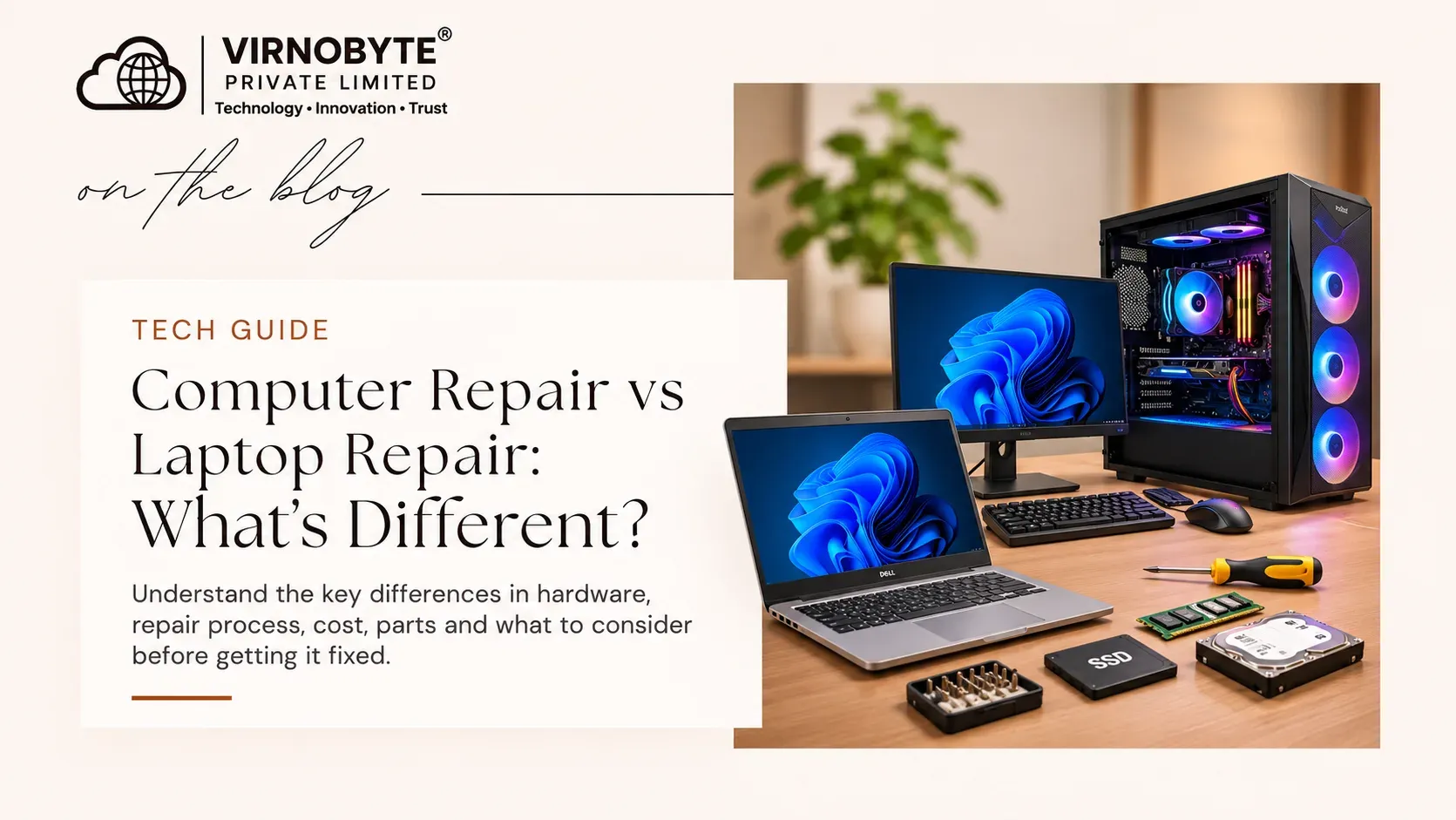
Computer Repair vs Laptop Repair: What's Different?
Are you facing a hardware problem with your desktop computer or laptop? Although both devices perform similar tasks, their repair processes, components, costs and technical requirements can be very different. Understand the differences before choosing a repair service.
Computers and laptops are essential for everyday work, education, business and entertainment. Like all electronic devices, they can develop problems over time. Common issues include slow performance, overheating, unexpected shutdowns, display problems, keyboard failures and storage errors.
Many people use the terms computer repair and laptop repair interchangeably. However, desktop computers and laptops have different designs. A desktop usually has separate components such as a monitor, cabinet, keyboard and mouse, while a laptop combines most of its hardware into one compact device.
This difference affects how technicians diagnose problems, replace components and perform repairs.

1. What Is Computer Repair?
Computer repair generally refers to diagnosing and fixing problems in desktop computer systems. A typical desktop setup includes a cabinet, motherboard, processor, RAM, storage drive, power supply, monitor and external peripherals.
Because desktop components are usually larger and more accessible, technicians can often inspect, test and replace individual parts more easily than in a laptop.
Common desktop computer repair services
- Motherboard troubleshooting: Diagnosing startup failures, damaged ports and other board-related issues.
- RAM replacement or upgrades: Fixing memory-related errors and improving performance.
- Hard disk and SSD replacement: Resolving storage problems and upgrading to faster drives.
- Power supply replacement: Diagnosing power failures and replacing faulty PSUs.
- Processor and cooling maintenance: Checking CPU temperatures, cooling fans and heatsinks.
- Graphics card troubleshooting: Diagnosing display issues and GPU-related problems.
- Operating system repair: Troubleshooting Windows errors, startup problems and software issues.
- Cabinet and cooling maintenance: Cleaning dust and improving airflow.
2. What Is Laptop Repair?
Laptop repair involves diagnosing and fixing hardware or software problems in portable computers. Unlike desktops, laptops have compact internal layouts in which components are fitted into a limited space.
Many laptops use model-specific keyboards, screens, batteries, hinges, cooling fans and internal connectors. Some components are soldered directly onto the motherboard, making replacement more complicated.
Common laptop repair services
- Laptop screen replacement: Fixing cracked, damaged or faulty displays.
- Keyboard replacement: Resolving unresponsive, damaged or missing keys.
- Battery replacement: Addressing poor battery backup and charging-related issues.
- Charging port repair: Diagnosing loose or damaged charging connections.
- Hinge repair: Fixing damaged hinges and related casing problems.
- Cooling fan maintenance: Cleaning cooling systems and diagnosing overheating.
- SSD and RAM upgrades: Improving storage capacity and supported memory configurations.
- Motherboard troubleshooting: Diagnosing power, display and component-level faults.
- Operating system repair: Resolving Windows errors, boot failures and software problems.

3. Computer Repair vs Laptop Repair: Key Differences
The main difference between desktop and laptop repair is their physical design and the way their components are installed. Here is a comparison of the two repair processes.
| Comparison | Desktop Computer Repair | Laptop Repair |
|---|---|---|
| Design | Separate cabinet and peripherals | Compact all-in-one portable device |
| Component access | Generally easier to access | Often requires careful disassembly |
| Upgrades | Many components can be upgraded | Depends on model and motherboard design |
| Cooling | Usually larger cooling systems | Compact fans and heat pipes |
| Display | Usually a separate monitor | Integrated laptop display |
| Keyboard | Usually external and easy to replace | Often model-specific and internally fitted |
| Battery | Usually no internal battery for normal operation | Rechargeable battery is built in or attached |
| Power supply | Internal PSU in the cabinet | External adapter and internal power circuitry |
| Spare parts | Many standardised components | Often model-specific components |
| Repair complexity | Varies by fault and component | Varies by model, design and fault |
4. Difference in Hardware Repair Process
Desktop computer repair process
Desktop repair usually begins with checking the external power supply, monitor, cables and peripherals. The technician may then inspect internal components such as RAM, storage drives, motherboard, power supply and graphics card.
Because many desktop components are modular, a technician can often test individual parts and replace a faulty component without replacing the entire computer.
Laptop repair process
Laptop repair often begins with checking the charger, charging port, display, keyboard, battery and external connections. If the problem is internal, the technician may need to remove the bottom cover and disconnect the battery before inspecting the motherboard and other components.
Some laptop repairs require model-specific replacement parts. For example, screen panels, keyboards, hinges and charging connectors may differ between laptop models, even within the same brand.
5. Common Problems in Desktop Computers and Laptops
Some problems are common to both devices, while others are more specific to their design.
Problems commonly found in desktop computers
- Computer not starting due to PSU, motherboard or connection issues.
- Power supply failure or unexpected shutdowns.
- RAM-related startup errors.
- Graphics card or display output problems.
- Cabinet overheating and cooling fan issues.
- Hard disk or SSD failure.
- Loose internal cables or expansion card connections.
Problems commonly found in laptops
- Battery draining quickly or not charging.
- Broken laptop screen or display cable issues.
- Keyboard keys not working.
- Damaged hinges or laptop body.
- Charging port becoming loose.
- Overheating due to dust or cooling system problems.
- Touchpad or webcam malfunction.
Problems common to both devices
- Windows not booting.
- Computer running slowly.
- Blue screen errors.
- Virus or malware infections.
- SSD or HDD problems.
- Wi-Fi and network connectivity issues.
- Software installation and driver problems.

6. Is Laptop Repair More Difficult Than Desktop Repair?
Not always. The difficulty depends on the type of problem, device model, component availability and technician's experience.
Some laptop repairs, such as replacing an SSD or cleaning a cooling fan, may be straightforward for a trained technician. However, replacing a laptop screen, repairing a damaged hinge or diagnosing a motherboard fault may require more specialised work.
Desktop repairs can also become complex when dealing with motherboard faults, liquid damage, custom-built systems, high-end graphics cards or specialised workstation hardware.
Therefore, it is not correct to say that every laptop repair is difficult or every desktop repair is easy. The actual fault determines the repair complexity.
7. Computer Repair vs Laptop Repair: What About Repair Costs?
Repair costs depend on the damaged component, device model, part availability, labour involved and whether replacement or repair is required.
For example, a desktop RAM upgrade may be relatively straightforward, while a laptop screen replacement can require a model-specific display panel. On the other hand, a desktop motherboard replacement may cost more than a simple laptop keyboard repair.
| Repair Type | What Affects the Cost? |
|---|---|
| RAM upgrade | Memory type, capacity and compatibility |
| SSD replacement | Storage capacity, interface and data transfer requirements |
| Desktop PSU replacement | Wattage, quality, connectors and installation |
| Laptop screen replacement | Screen size, resolution, panel type and model |
| Laptop keyboard replacement | Keyboard design, backlighting and part availability |
| Motherboard repair | Fault type, component damage and repair complexity |
| Cooling system service | Cleaning, fan replacement and other required work |
Always request a diagnosis and quotation before approving a repair. A technician should explain whether the component can be repaired or needs replacement.
8. Should You Repair or Replace Your Computer or Laptop?
Sometimes repairing an existing device is more practical than buying a new one. In other situations, replacement may offer better long-term value.
Consider repairing when:
- The device meets your current performance requirements.
- The problem is limited to a replaceable component.
- The repair cost is reasonable compared with replacement.
- The device is compatible with useful upgrades such as an SSD or RAM.
- Your important data and software setup are already on the device.
Consider replacing when:
- The motherboard or several major components are damaged.
- The repair quotation is close to the cost of a suitable replacement.
- The device cannot meet your software or work requirements.
- Compatible spare parts are unavailable.
- The device has repeated failures or reliability problems.
9. How to Choose the Right Computer Repair Service
Whether you own a desktop or laptop, choosing a reliable repair service is important. A proper technician should identify the actual fault before recommending expensive component replacement.
Check these points before selecting a repair service
- Technical experience: Ask whether the technician handles your specific device and fault type.
- Proper diagnosis: Choose a service that checks the cause before suggesting replacement.
- Clear quotation: Ask for an explanation of parts, labour and additional charges.
- Spare part compatibility: Confirm that replacement parts match your computer model.
- Data protection: Ask how your files and personal information will be handled.
- Repair terms: Understand the service warranty, if offered, and its conditions.
- Customer feedback: Check genuine customer reviews and service reputation.

10. Frequently Asked Questions (FAQs)
1. What is the main difference between computer repair and laptop repair?
Desktop computer repair generally involves separate and more accessible components, while laptop repair often requires careful disassembly and model-specific parts because of its compact design.
2. Is laptop repair more expensive than desktop repair?
Not always. Costs depend on the damaged component, model, spare part availability and labour. A laptop screen replacement may be expensive, while some desktop motherboard or graphics card repairs can also cost more.
3. Can a laptop RAM or SSD be upgraded?
Many laptops support RAM or SSD upgrades, but some models have soldered memory or limited storage options. Check the manufacturer's specifications before purchasing components.
4. Can desktop computers be upgraded more easily than laptops?
Generally, yes. Desktop computers often have more accessible components and standardised parts. However, compatibility, cabinet size, power supply and motherboard limitations still matter.
5. Which is easier to repair: a laptop or desktop?
It depends on the problem. Many desktop component replacements are straightforward, but some laptop repairs are also simple. Motherboard-level faults can be complicated on both devices.
6. Can the same technician repair both desktops and laptops?
Yes, many computer repair technicians work on both. However, specialised repairs may require particular equipment, experience and model-specific knowledge.
7. Should I back up my data before giving my computer for repair?
Yes. Back up important files whenever possible. Explain to the technician if your data is important and ask before approving any procedure that could erase or reinstall the operating system.
8. Can a slow laptop or desktop be improved without replacing it?
Often, yes. Depending on the device, an SSD upgrade, supported RAM upgrade, software cleanup or malware removal may improve performance. First identify the cause of slow performance.
9. Do desktop and laptop computers use the same operating system?
Both commonly use Windows, Linux or other operating systems. However, hardware drivers and some device-specific software can differ by model.
10. How do I know whether my computer needs repair or replacement?
Compare the repair quotation, device performance, hardware condition, spare part availability and your future requirements. A professional diagnosis can help you make an informed decision.
Conclusion
Computer repair and laptop repair have the same overall objective: restoring a device to reliable working condition. However, their repair processes differ because of their hardware design, component accessibility and spare part requirements.
Desktop computers usually offer easier access to individual components, while laptops require more careful handling and often model-specific parts. Neither type of repair is automatically easier or cheaper in every situation.
Before replacing a device or purchasing new components, get the actual problem diagnosed and compare the repair cost with the value of the device.
Looking for Computer or Laptop Repair Services in Pune?
Virnobyte Pvt. Ltd. provides computer and laptop hardware troubleshooting, repair support, SSD and RAM upgrades, desktop maintenance and IT support. Contact us to enquire about your device's repair requirements.
Virnobyte Pvt. Ltd.
Technology • Innovation • Trust
Phone: 8669883332
Email: info@virnobyte.com
Website: www.virnobyte.com
Address: Sadichha Complex, Sawtamali Temple Road, Jadhavwadi, Chikhali, Pune – 411062, Maharashtra.